Are You a SubAgent Working with a Host Agency?
With Winedering, you can:
-
Easily register through an invitation from your Host Agency
-
Access a catalog of food and wine experiences to promote to your clients
-
Monitor your performance in real time
-
Clearly view the commissions generated
A single tool to coordinate your network, track results, and optimize your earnings.
You Can Operate in Two Modes:
SubAgent Mode
You operate exclusively on behalf of your Host Agency.
Commissions are credited to the Host Agency’s wallet.
Hybrid Mode
You operate both for the Host Agency and independently.
For each booking, you can choose who receives the commission.
How to Register: Accept the Invitation from Your Host Agency
When you receive the invitation email, click the “REGISTER NOW” button.
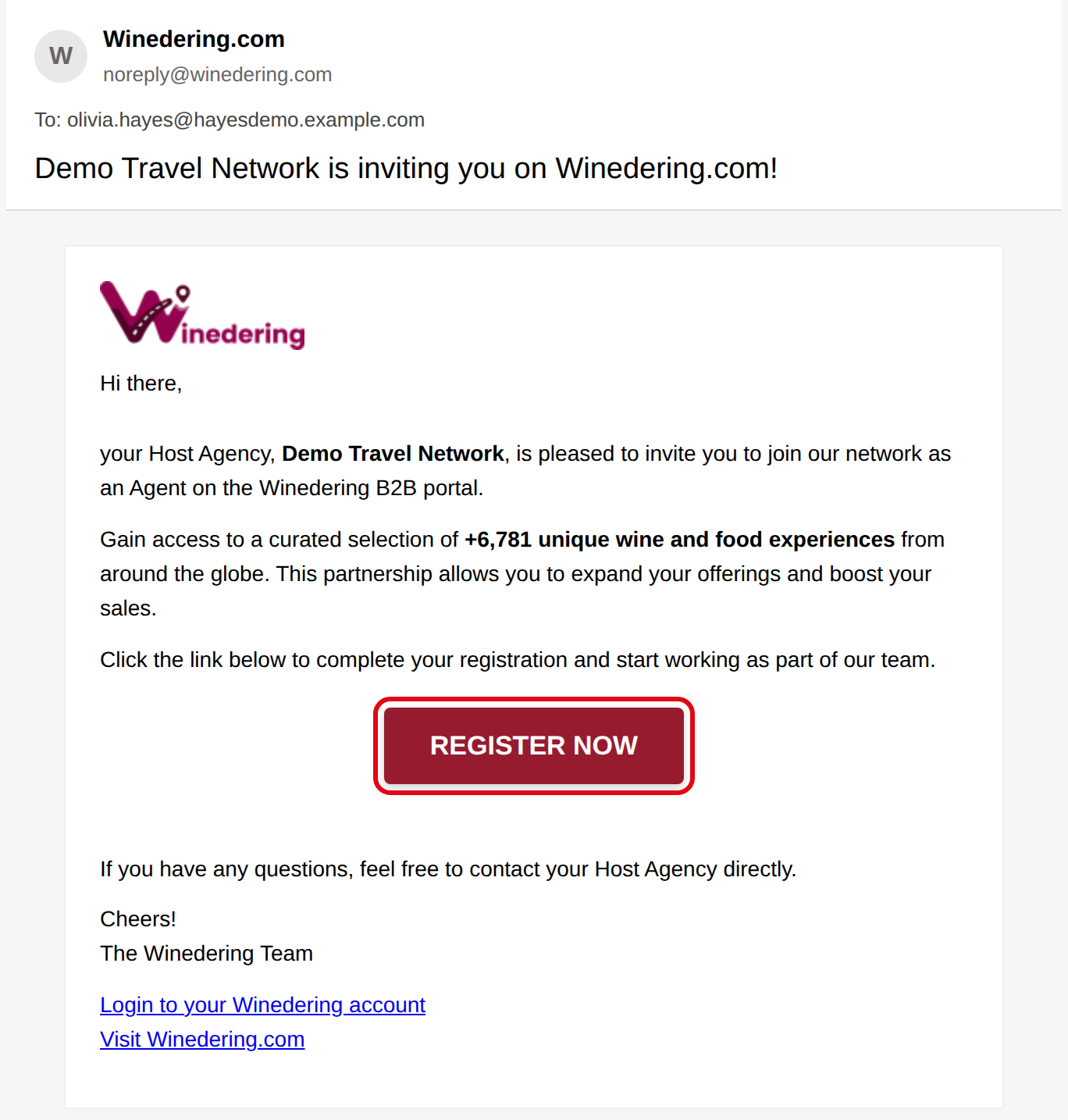
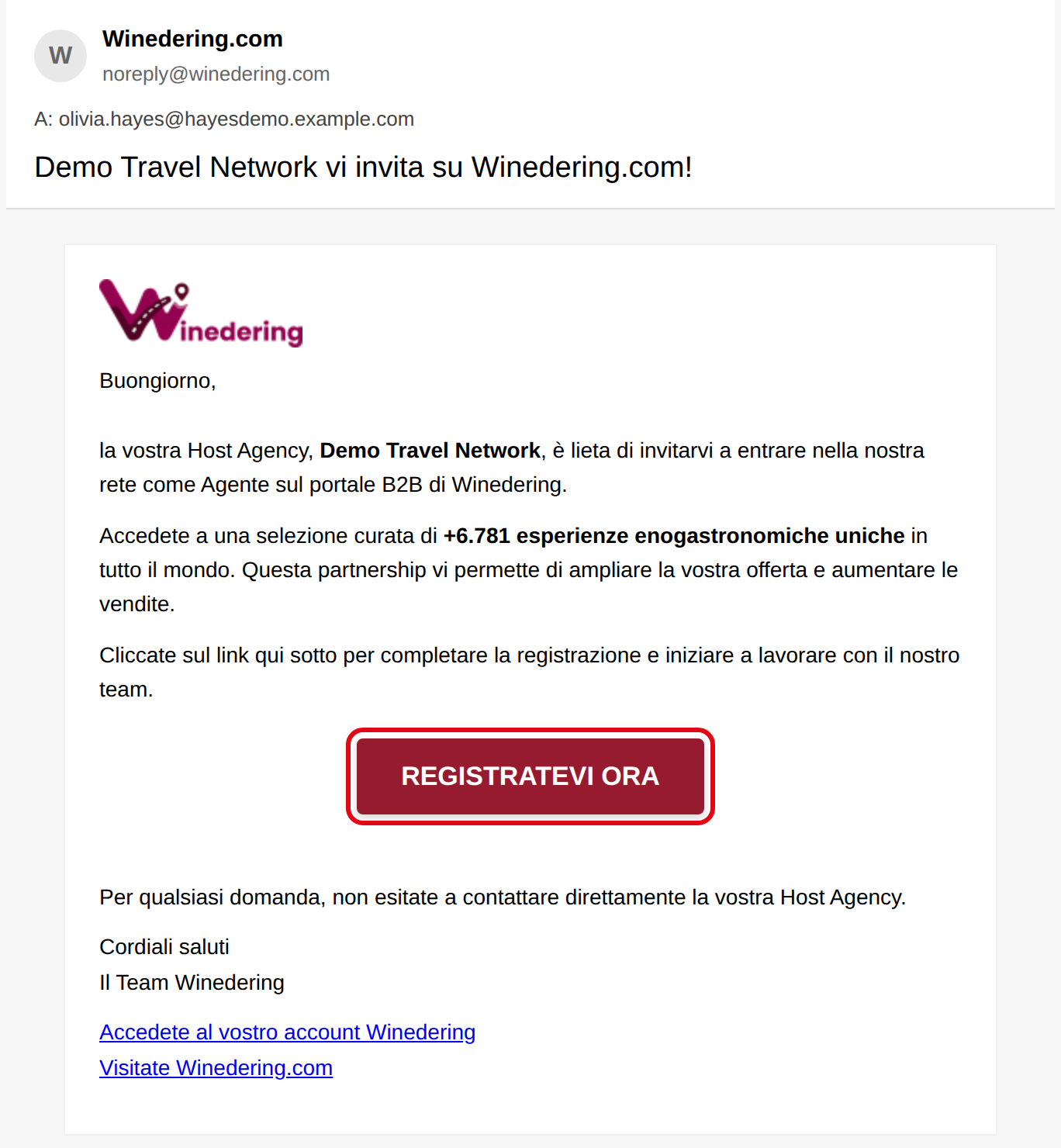
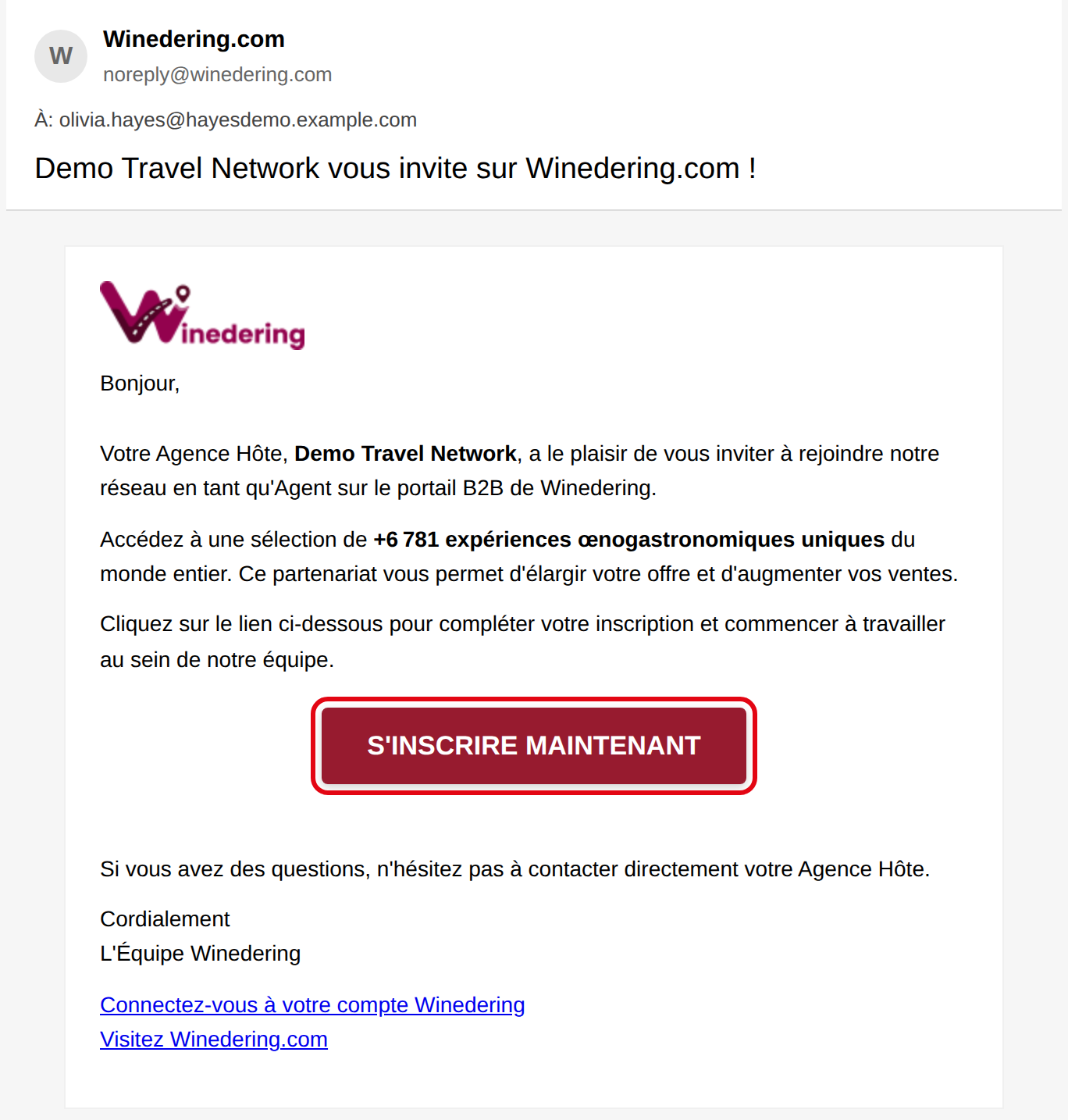
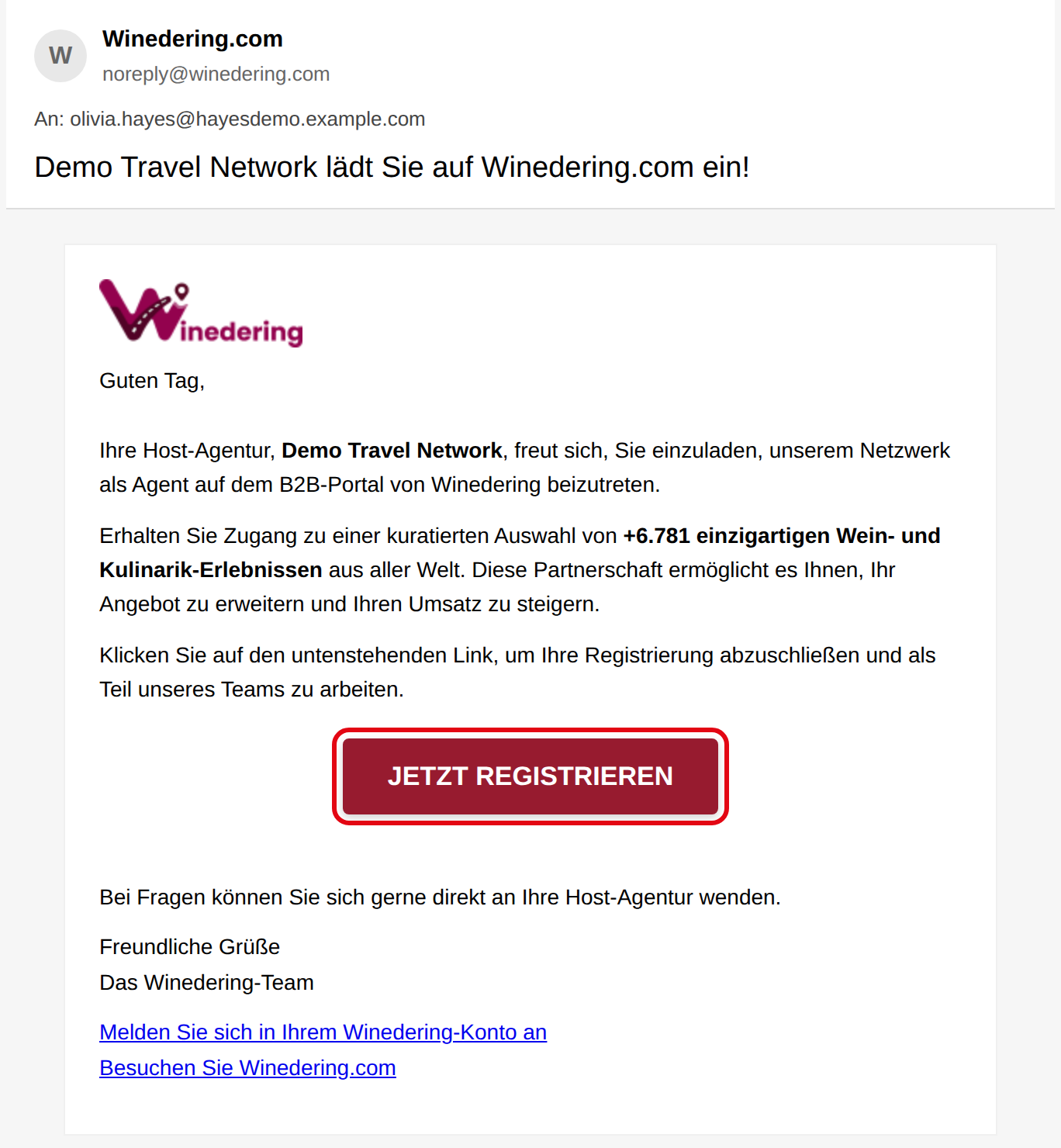
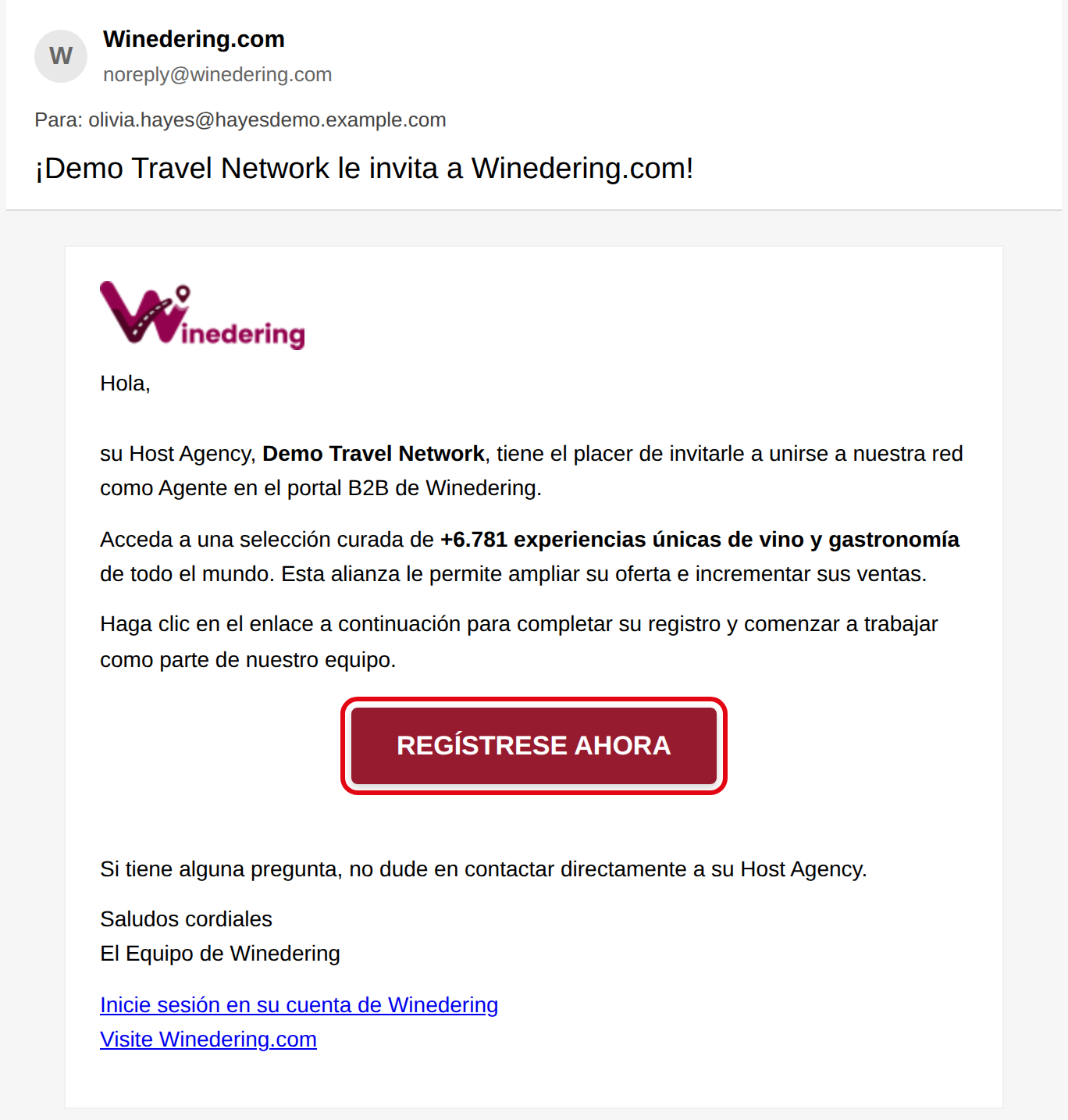
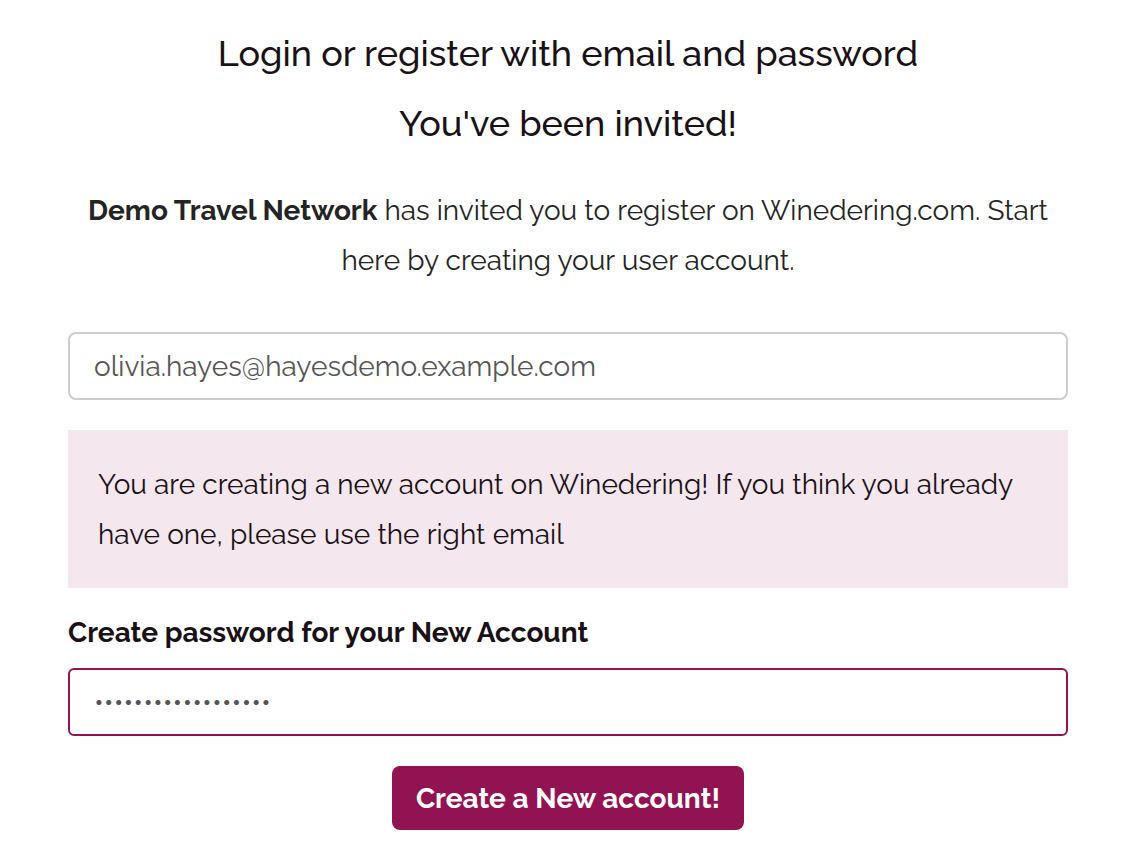
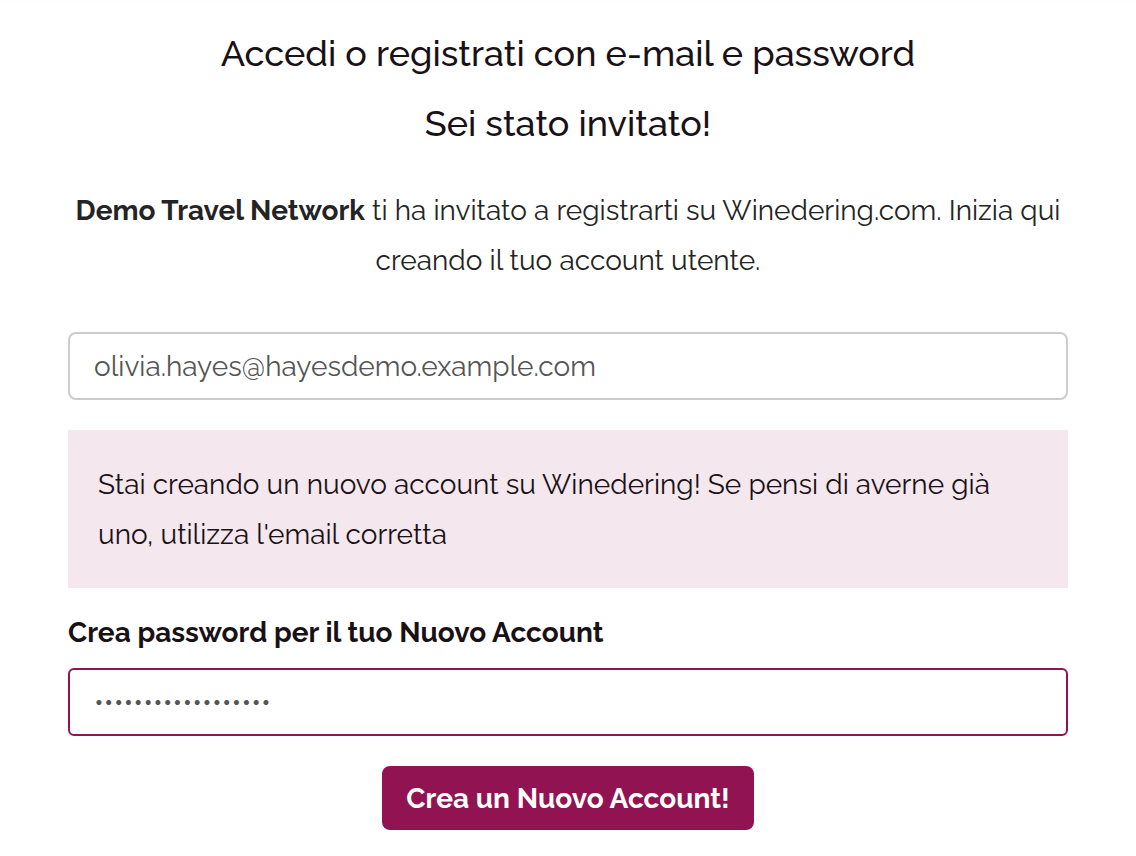
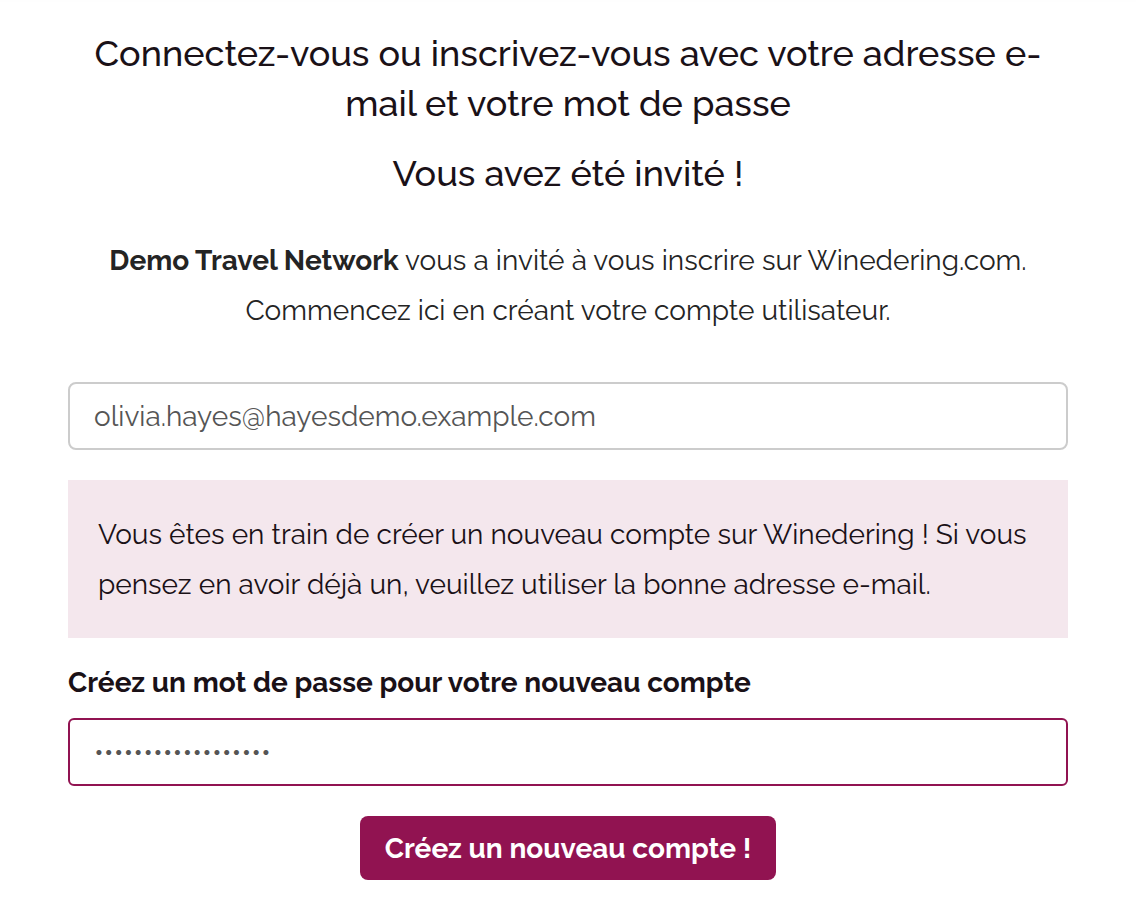
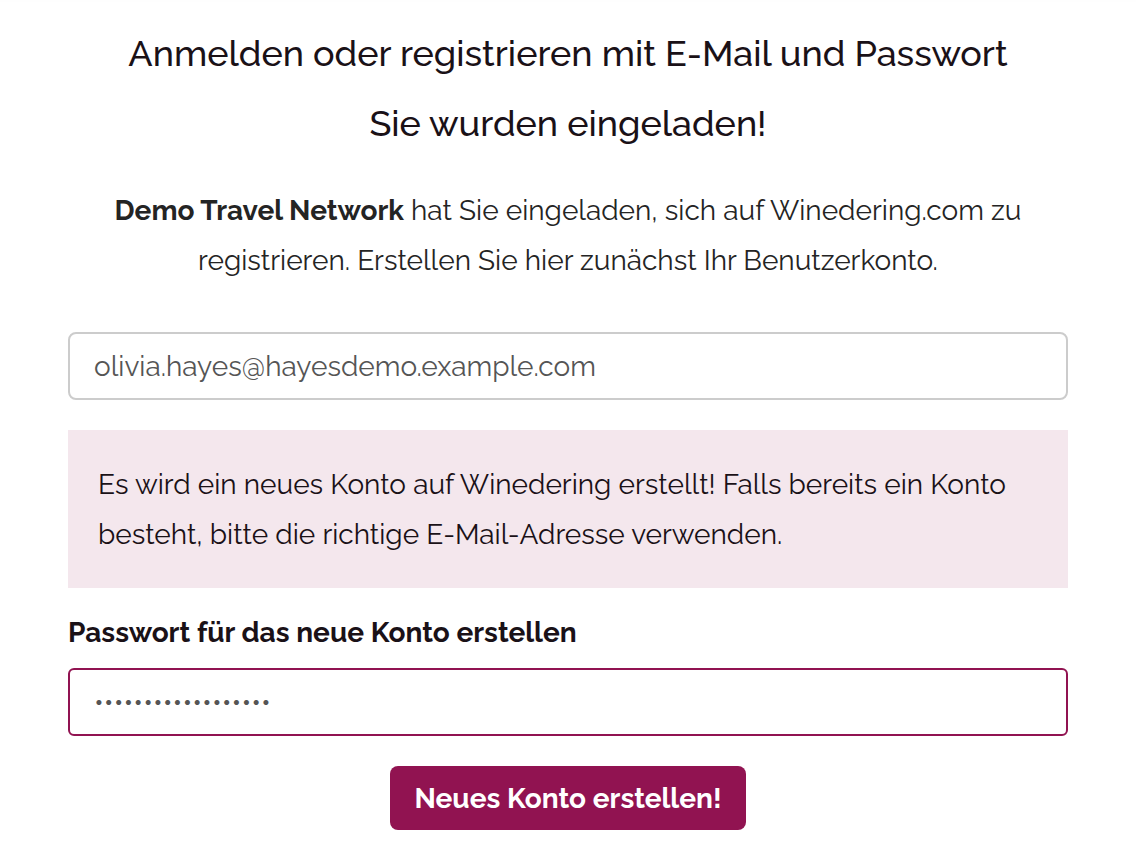
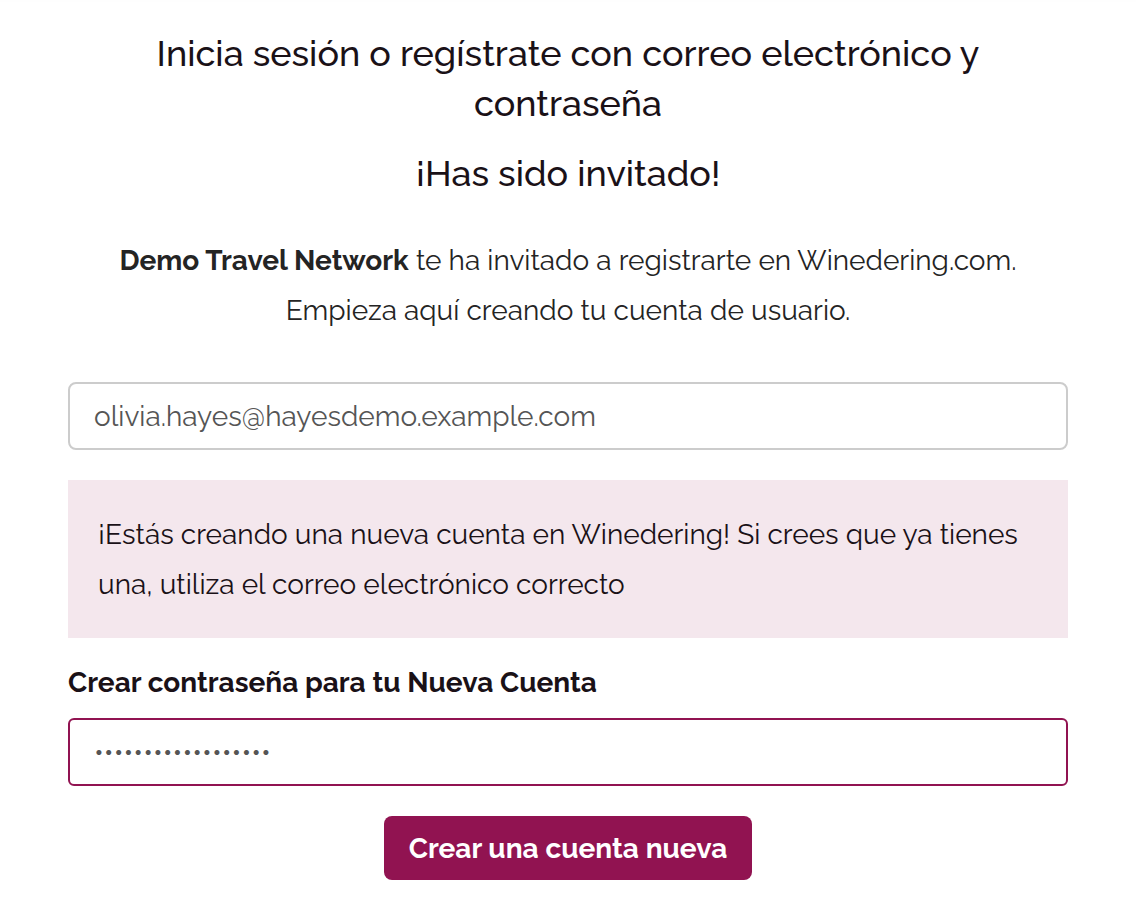
You will be redirected to the registration page, where you will need to:
-
Enter your details (email and password)
-
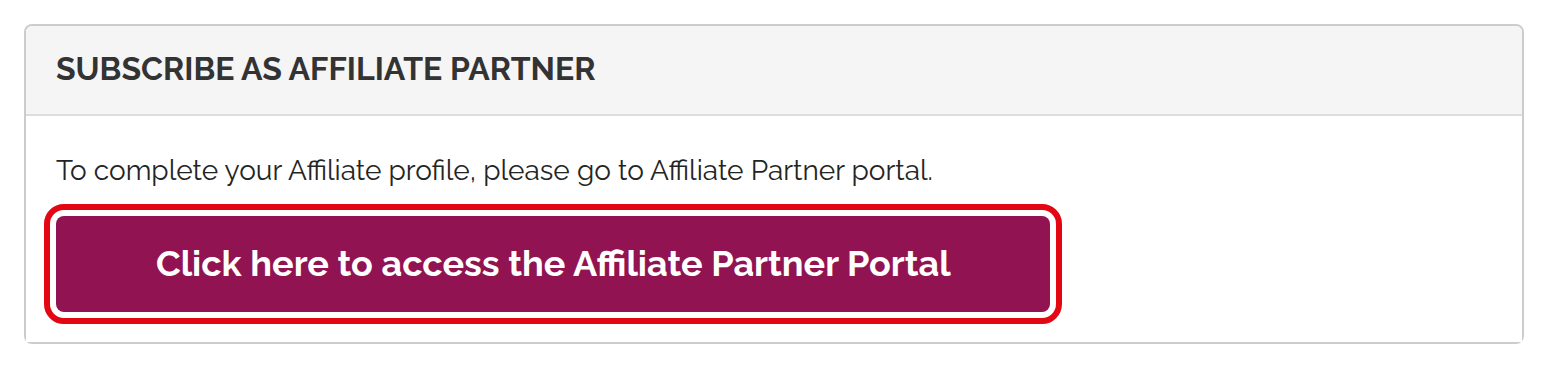
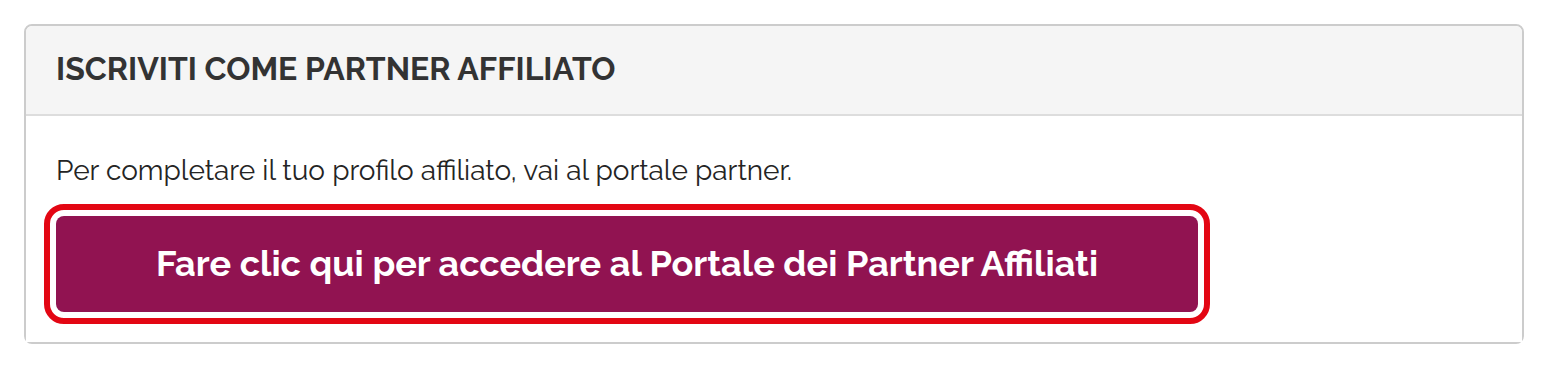
Access the affiliate panel
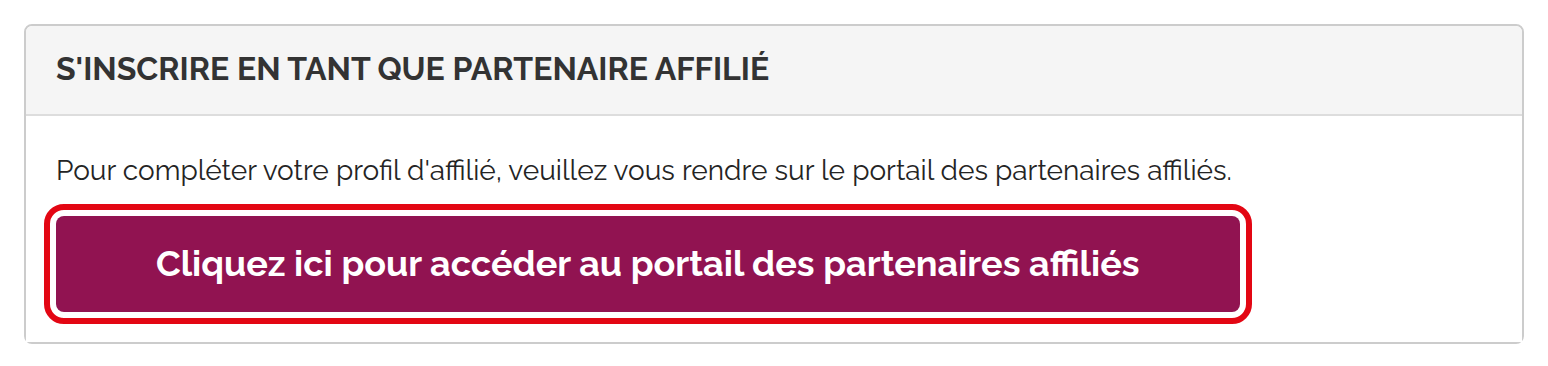
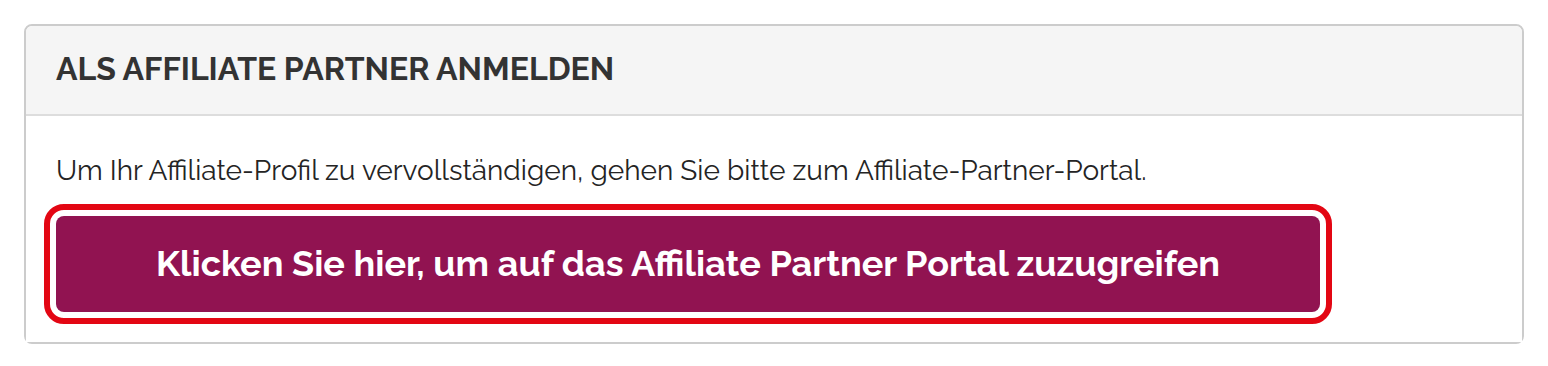
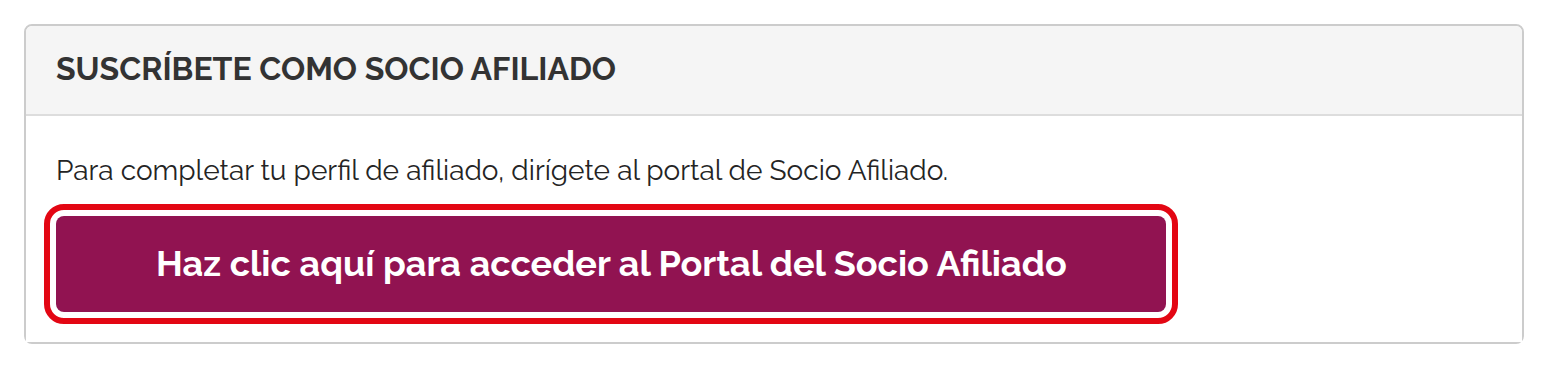
-
Complete your profile with your company information
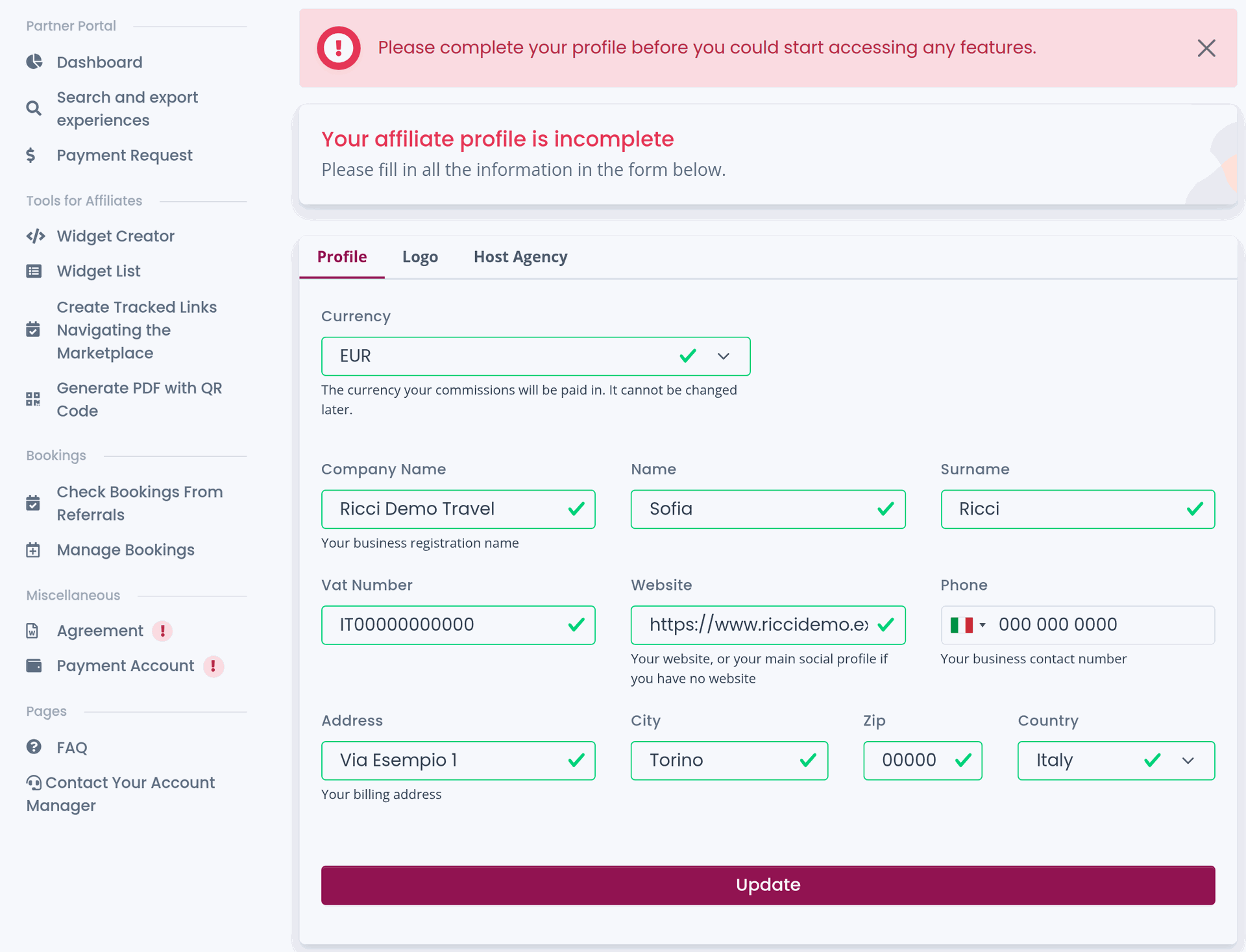
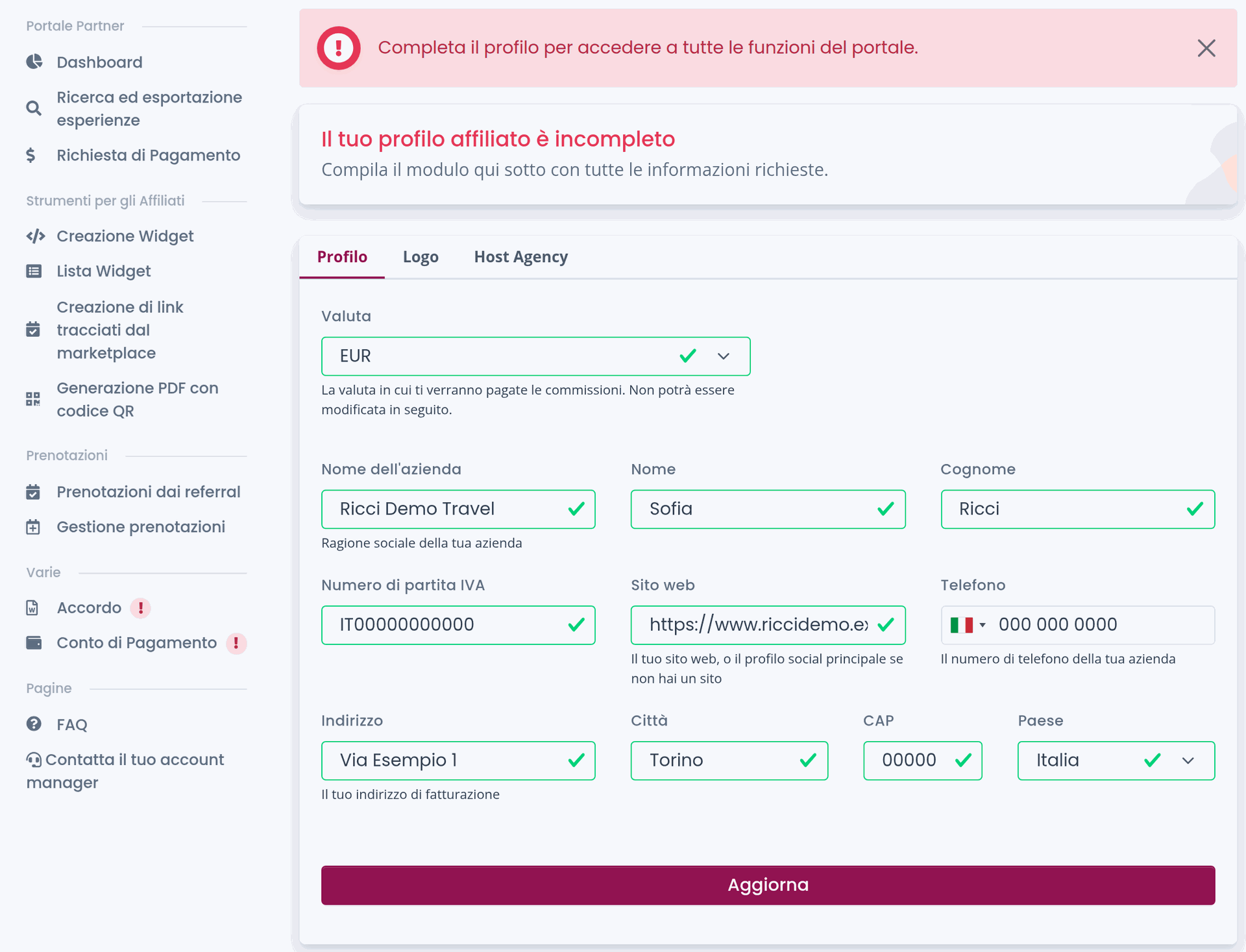
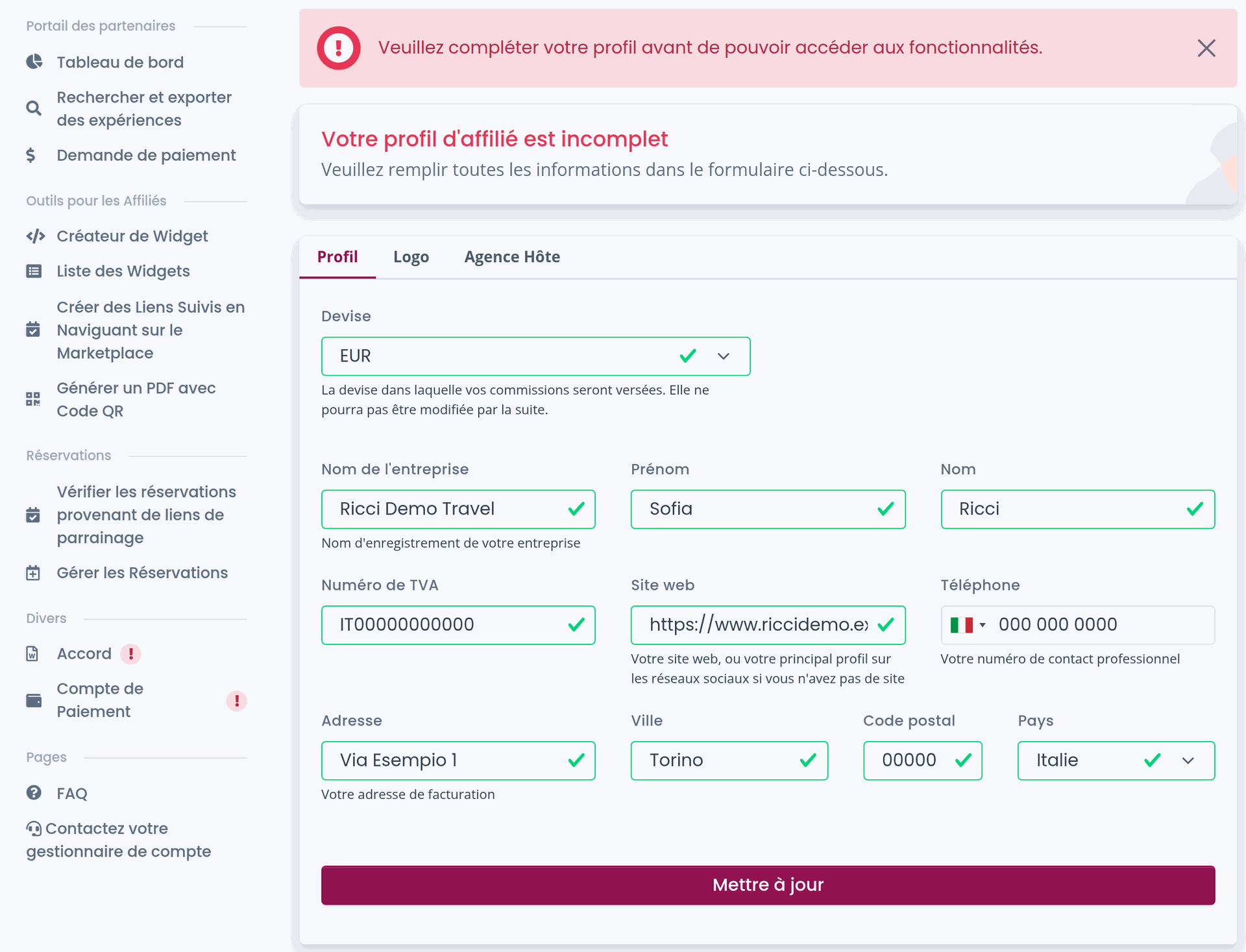
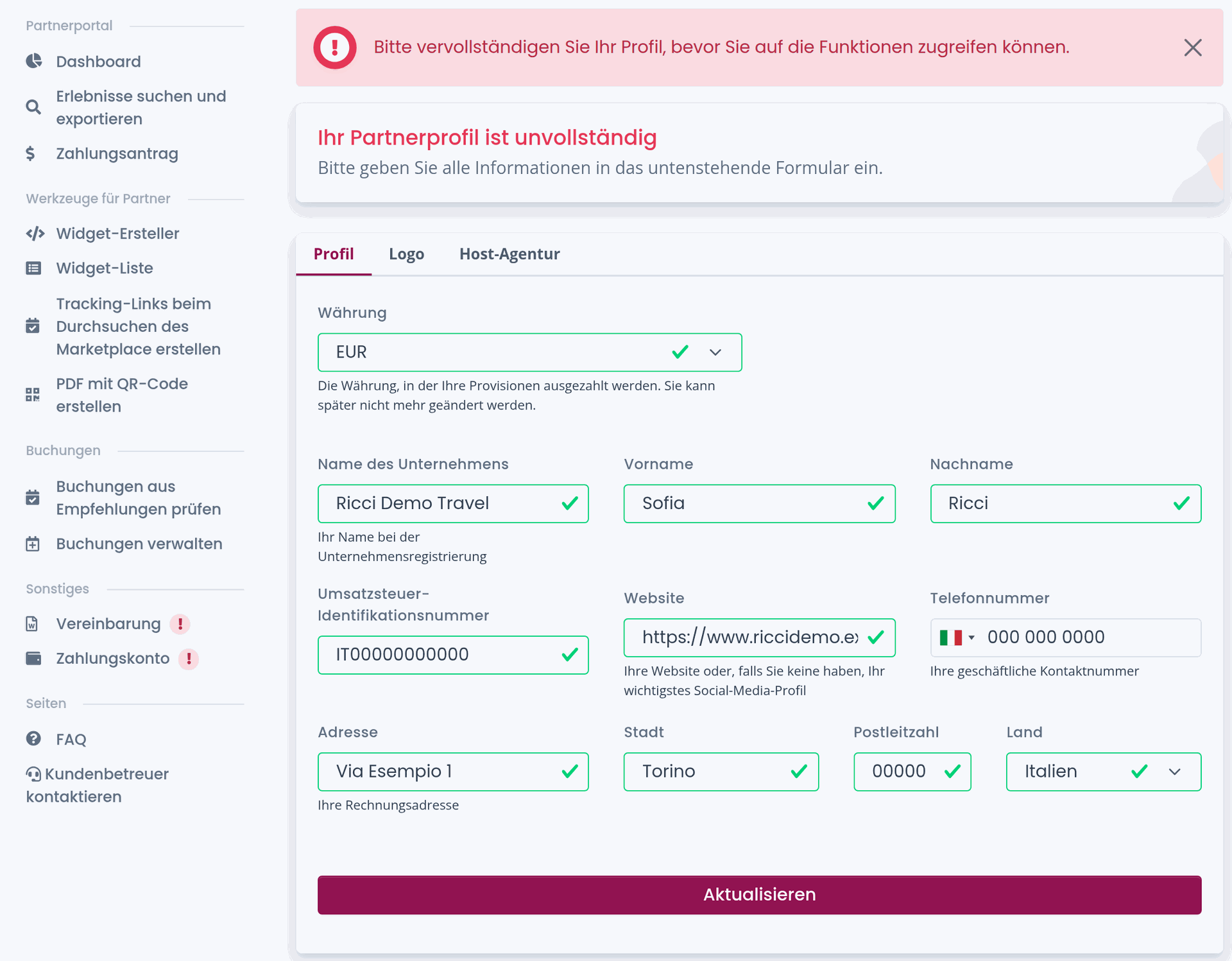
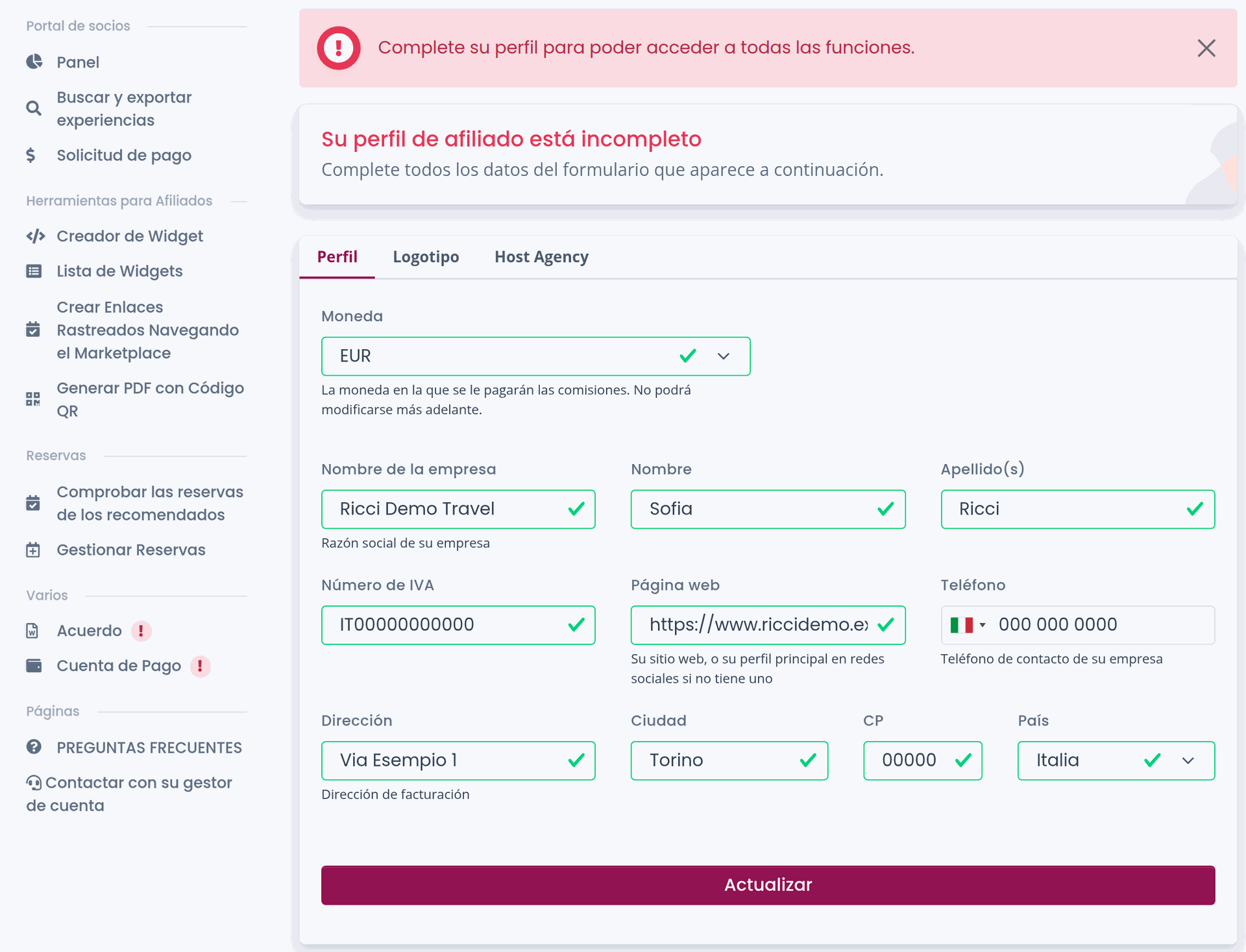
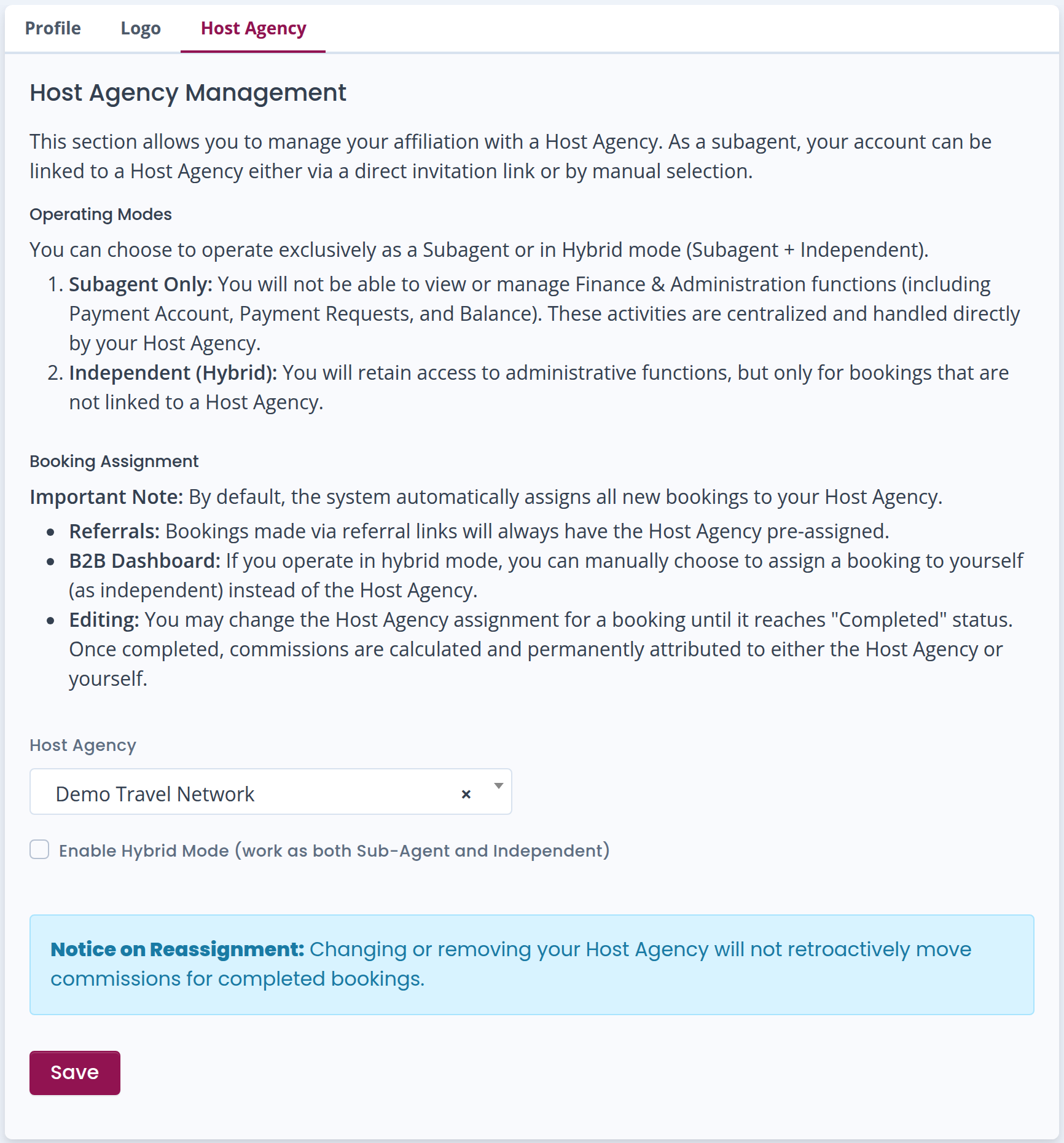
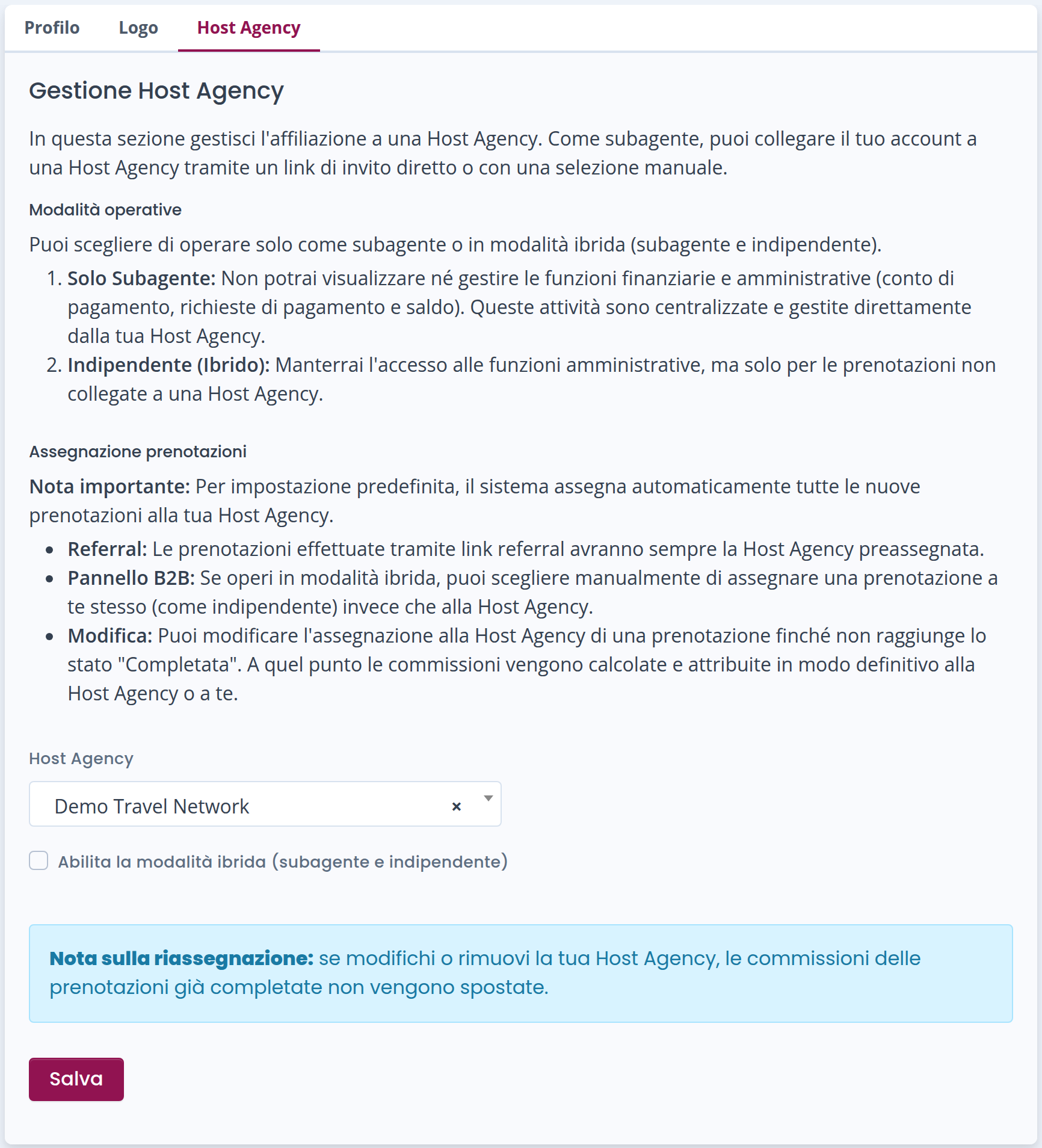
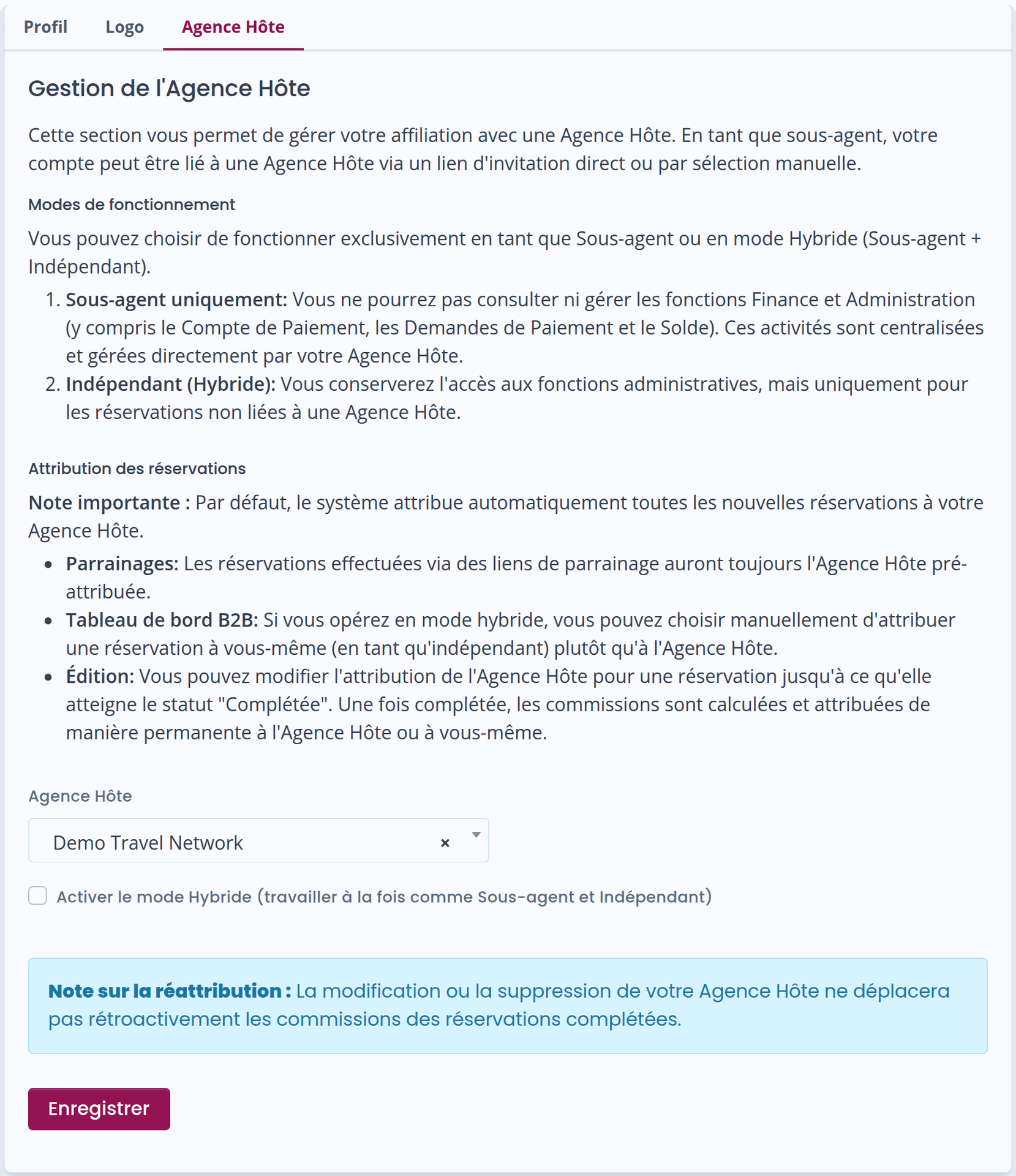
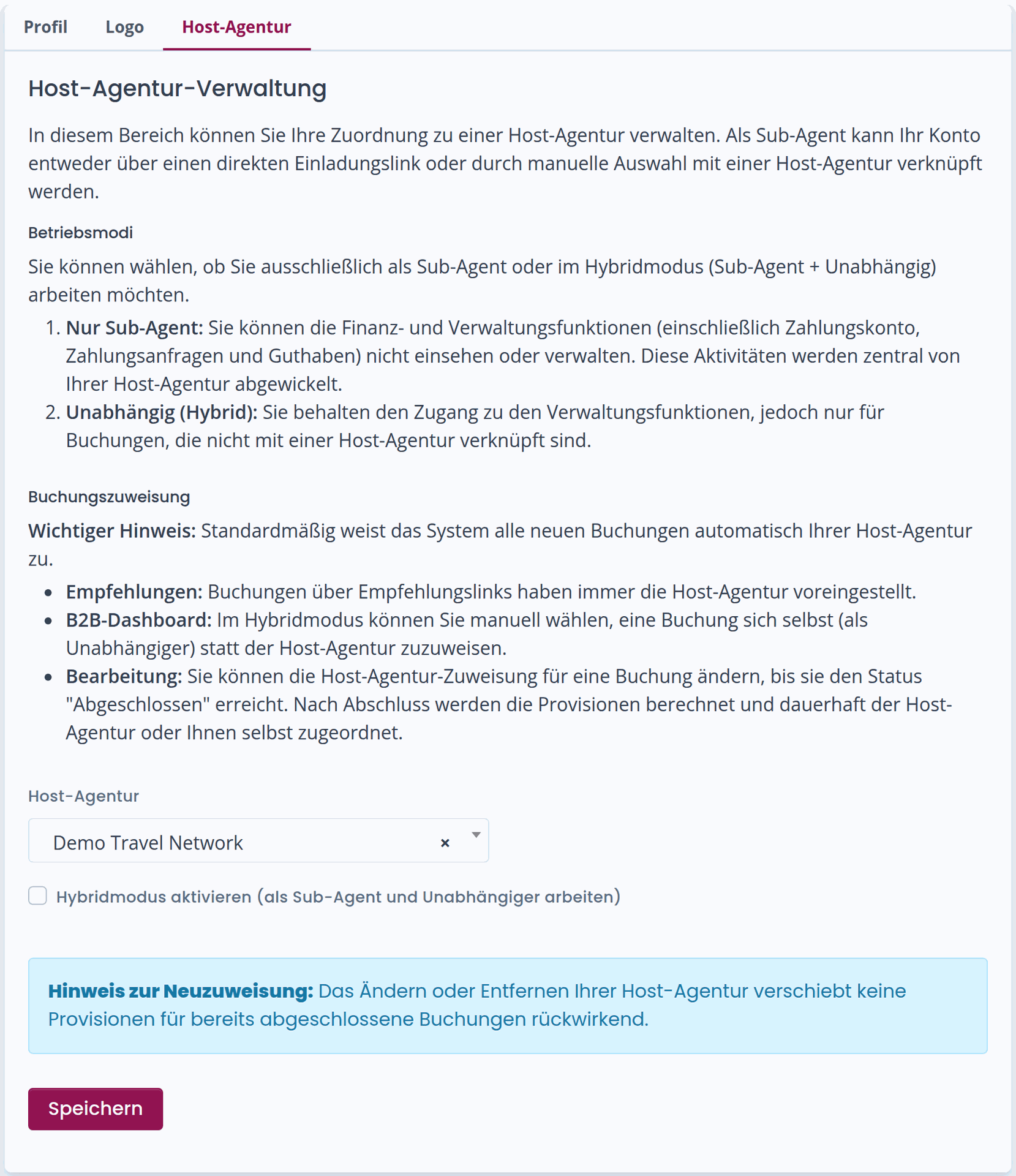
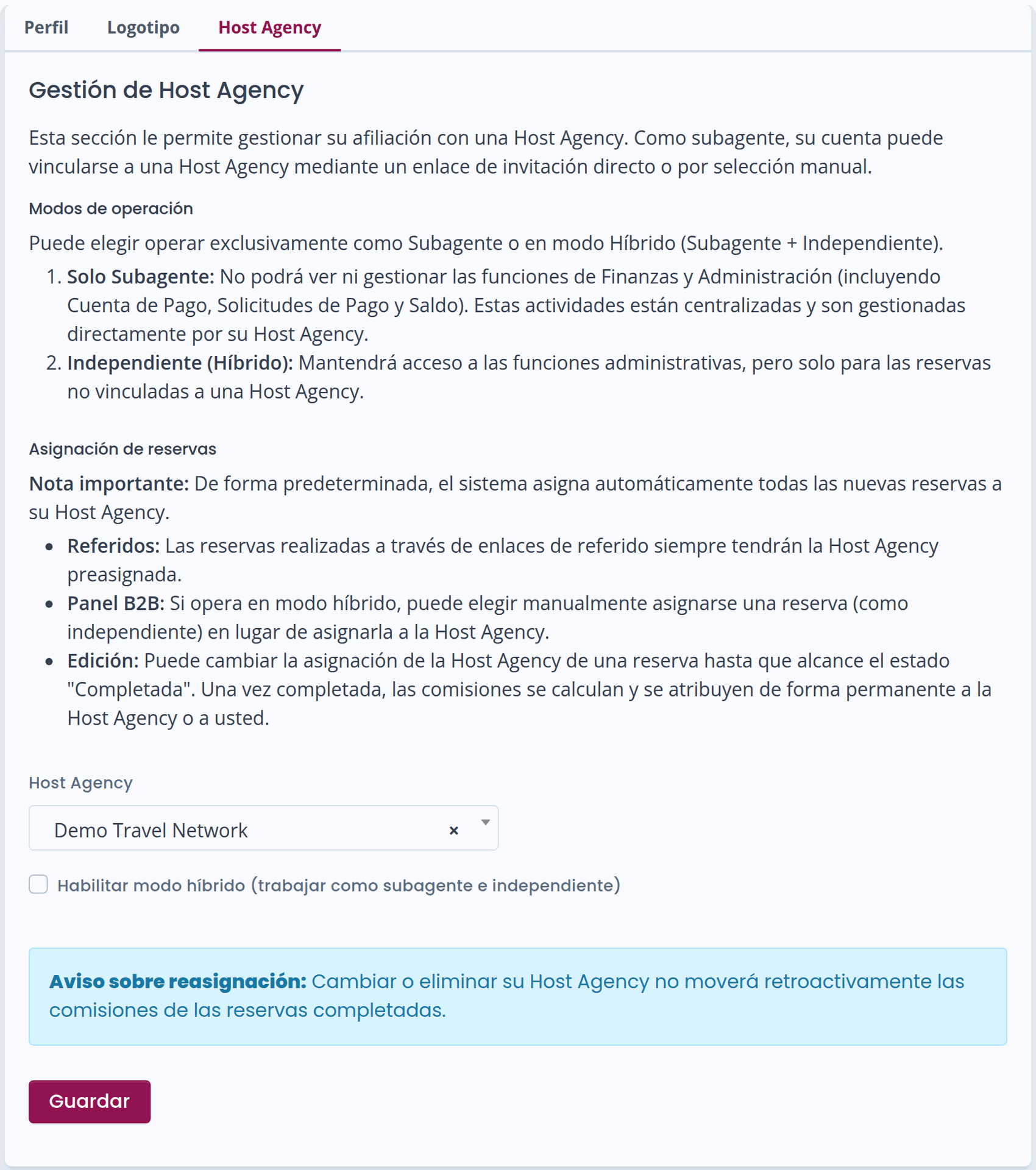
Once you save your profile, you will be redirected to the Host Agency configuration screen, where you can:
-
Verify that the details are correct
-
Edit them if necessary
Once Configuration Is Completed
-
All bookings will be assigned to your Host Agency (in SubAgent mode).
-
Commissions will be credited directly to the Host Agency’s wallet.
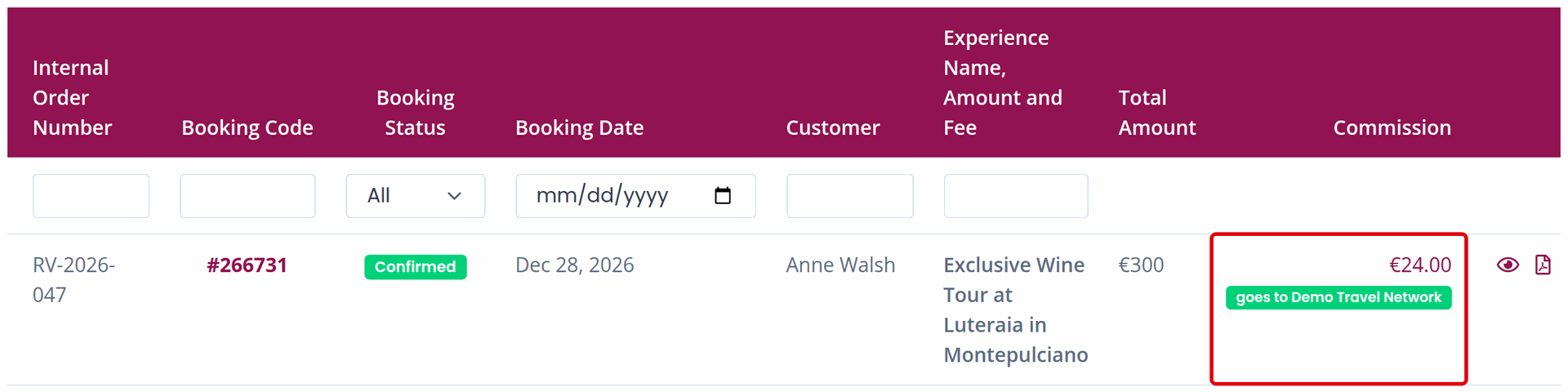
In the bookings panel, you will still be able to:
-
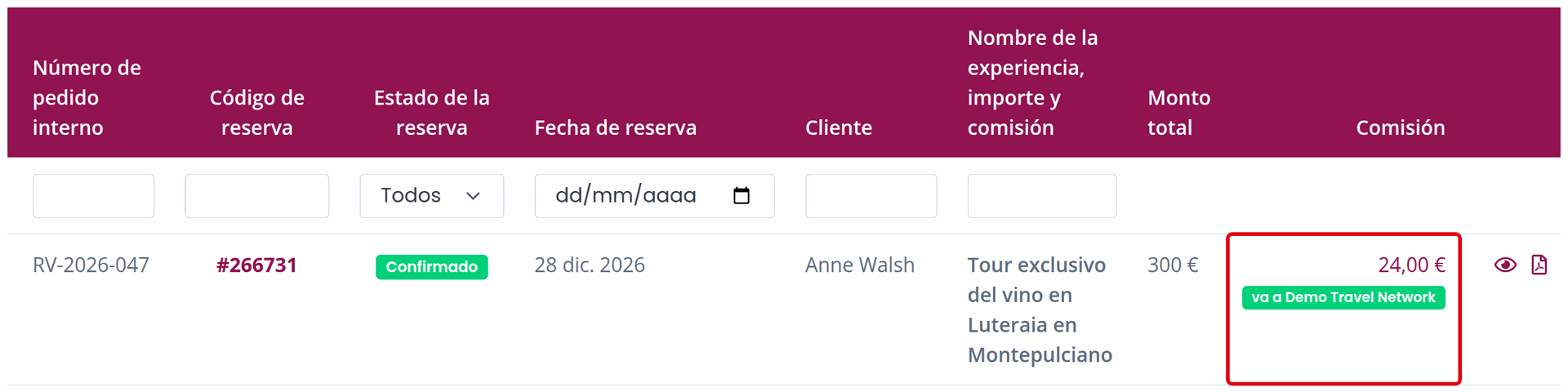
View the total commission for each booking
-
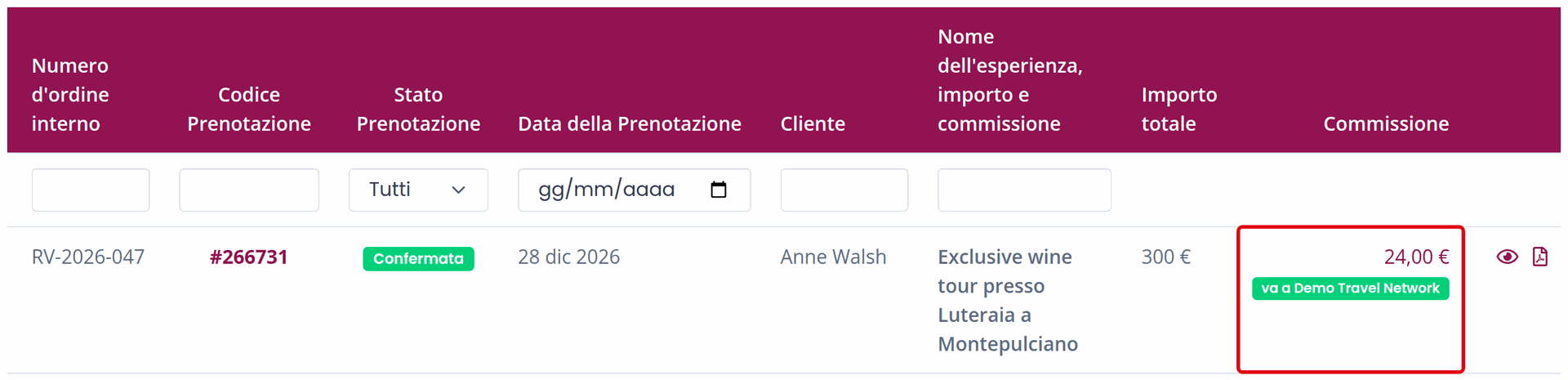
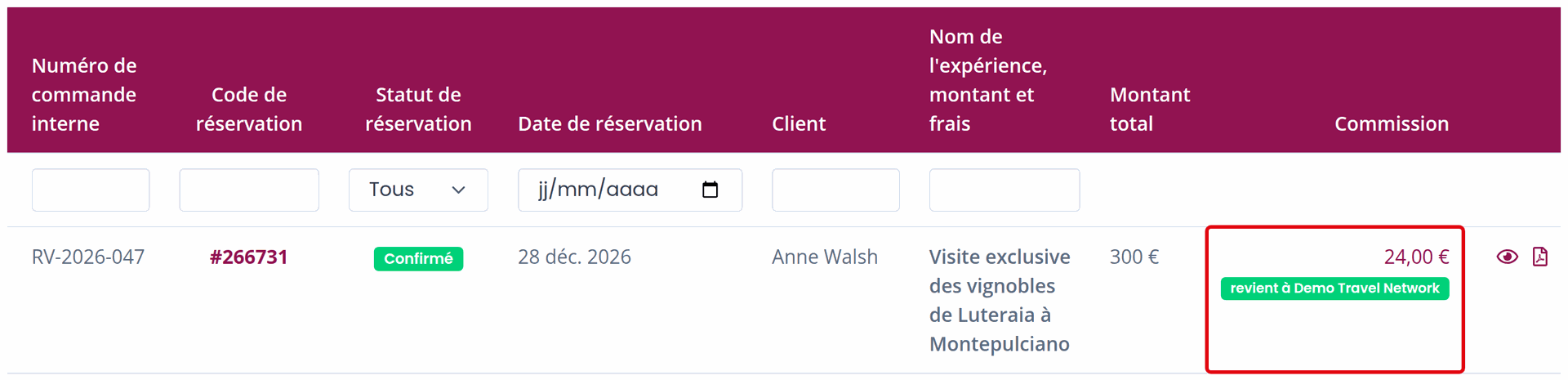
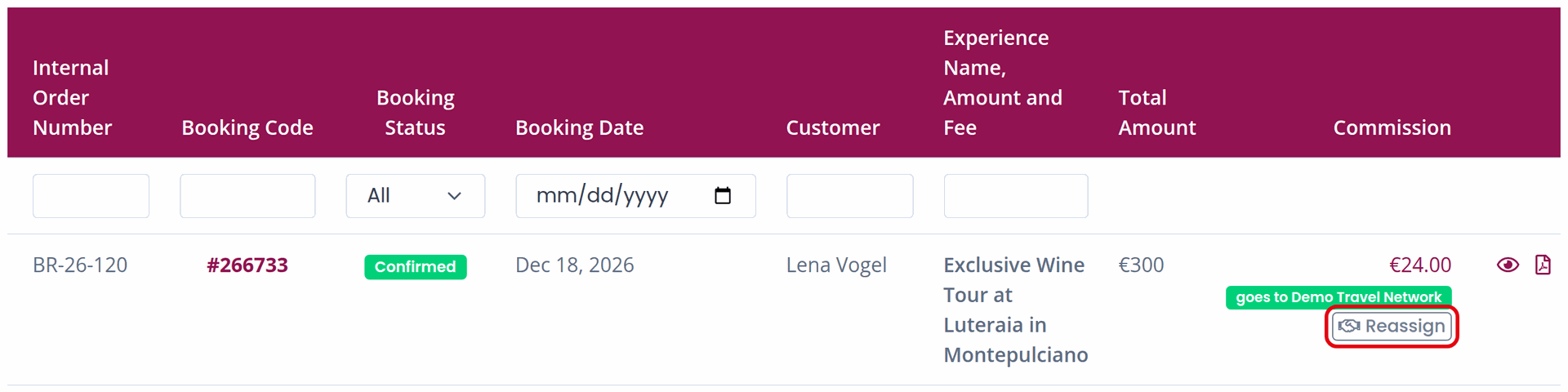
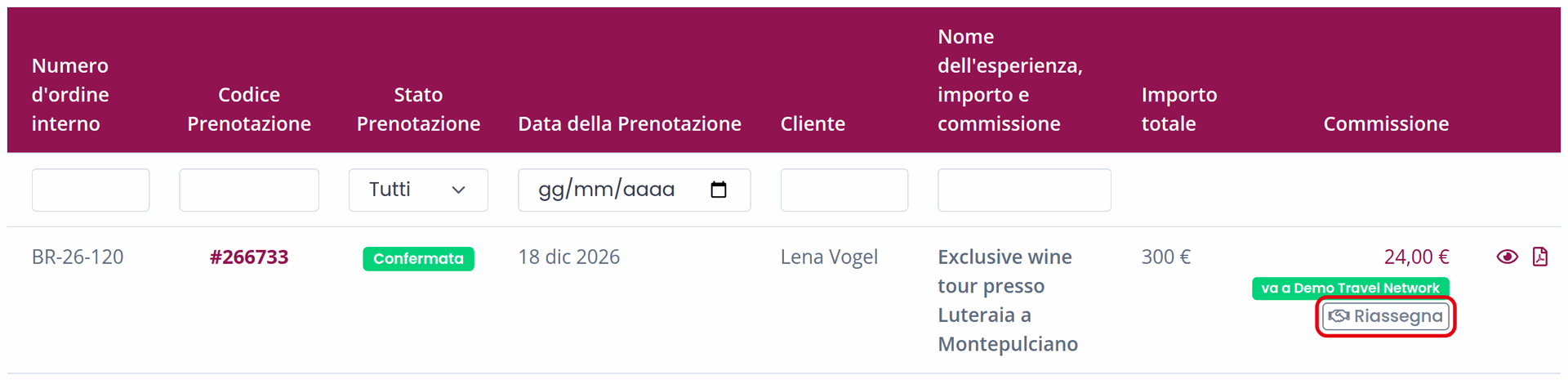
Clearly see which Host Agency will receive the commission, shown by the “goes to” badge next to the commission amount

Do You Also Work as an Independent Agent?
If you also operate independently, you can activate Hybrid mode:
-
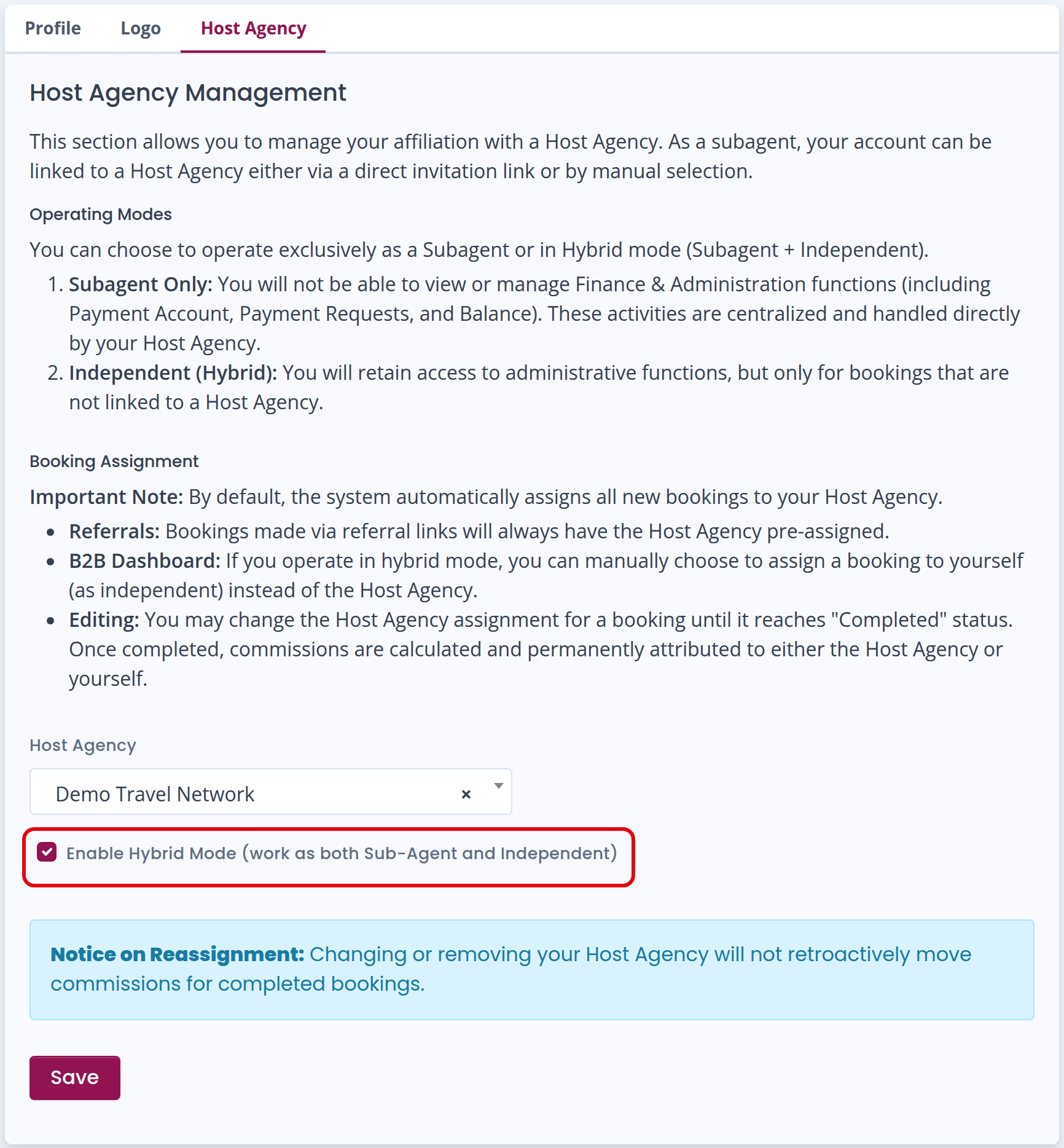
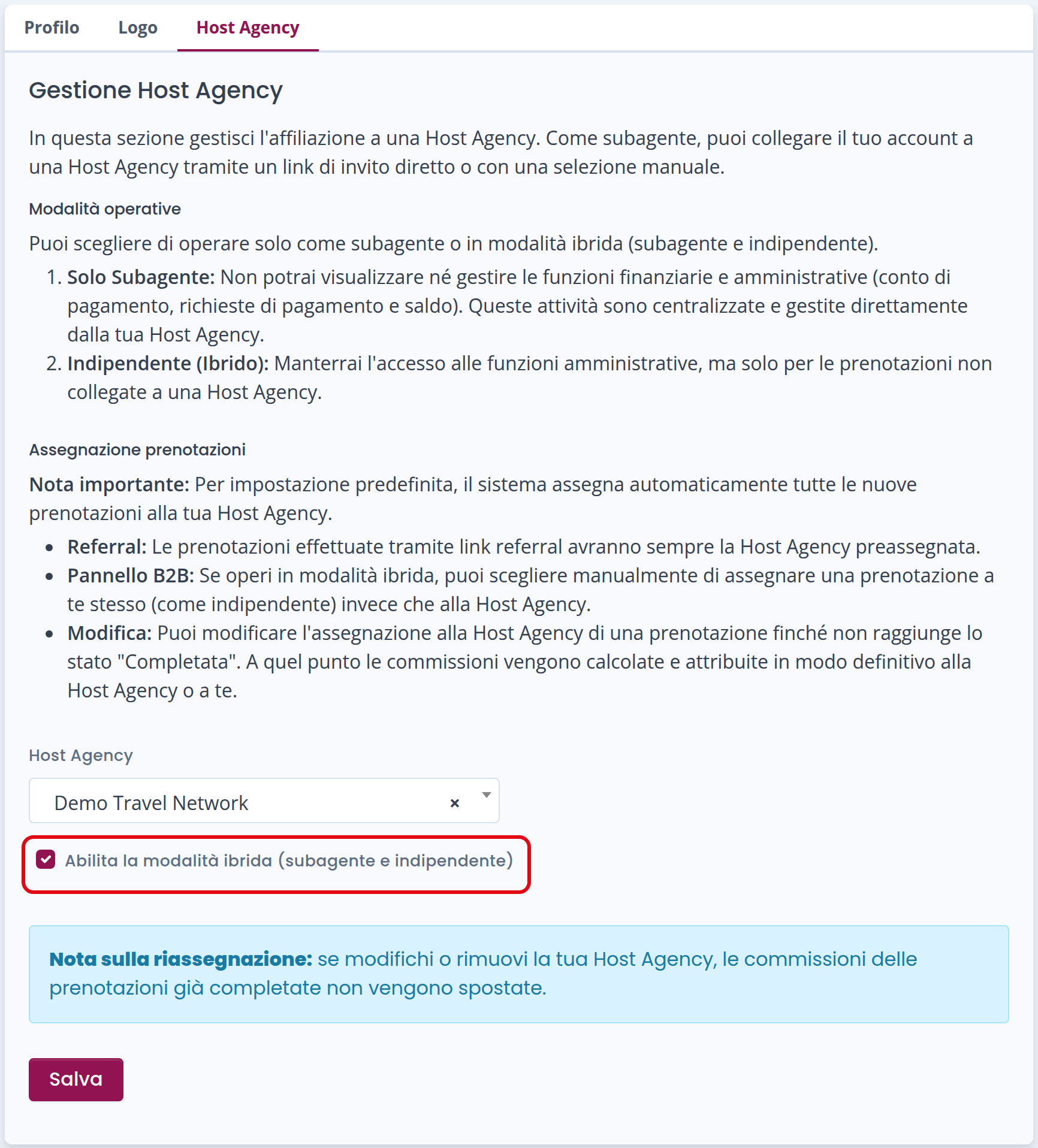
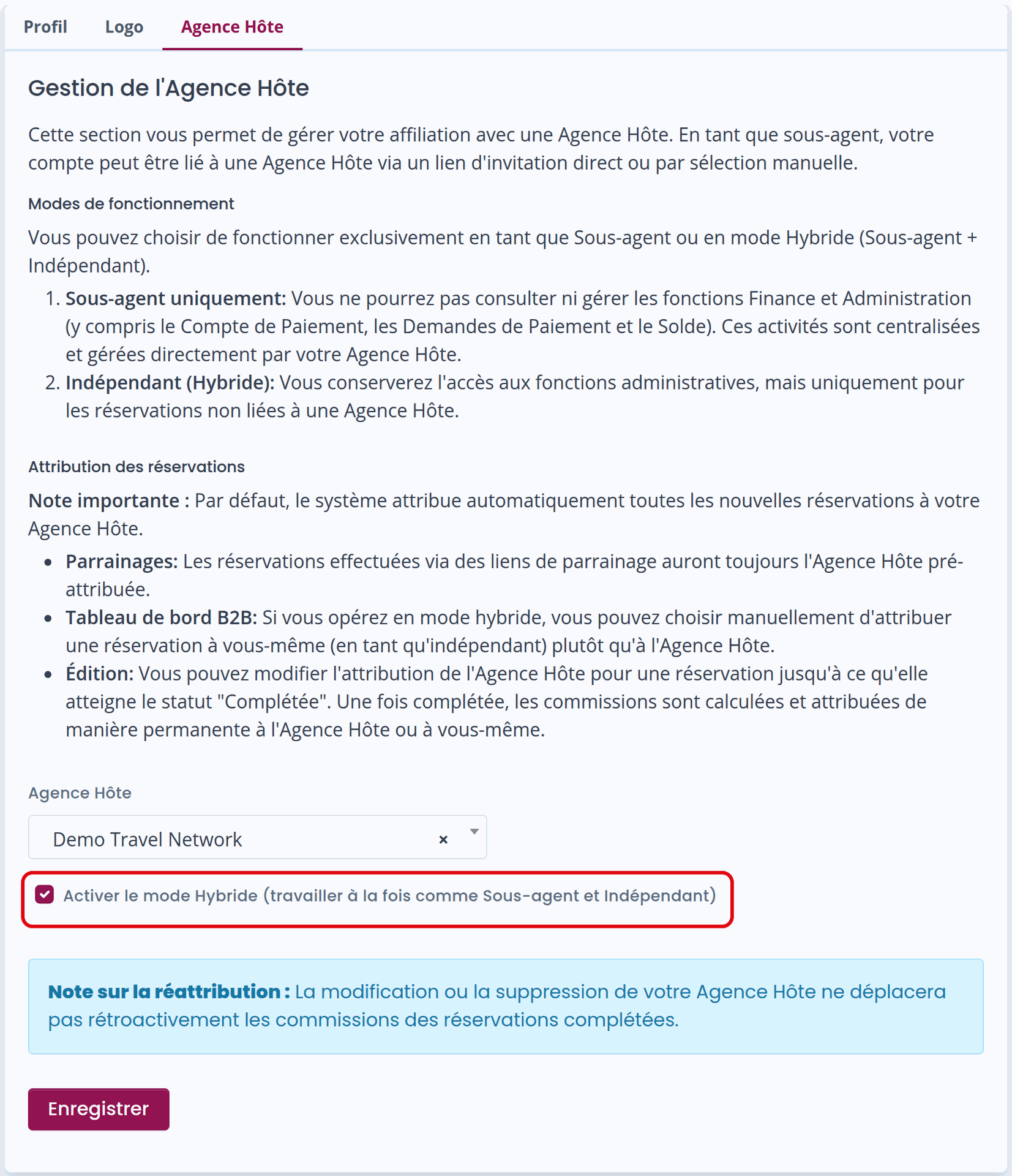
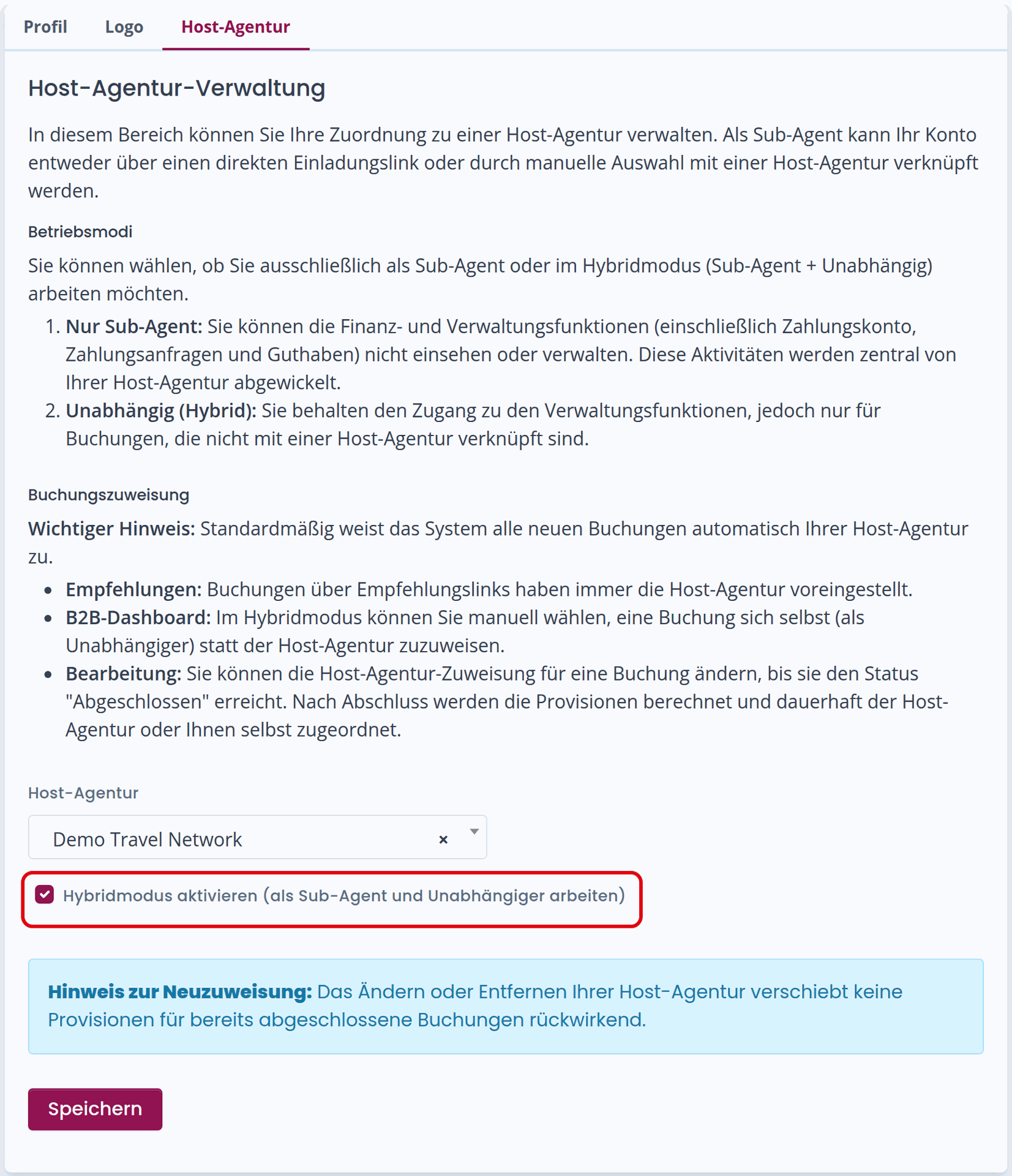
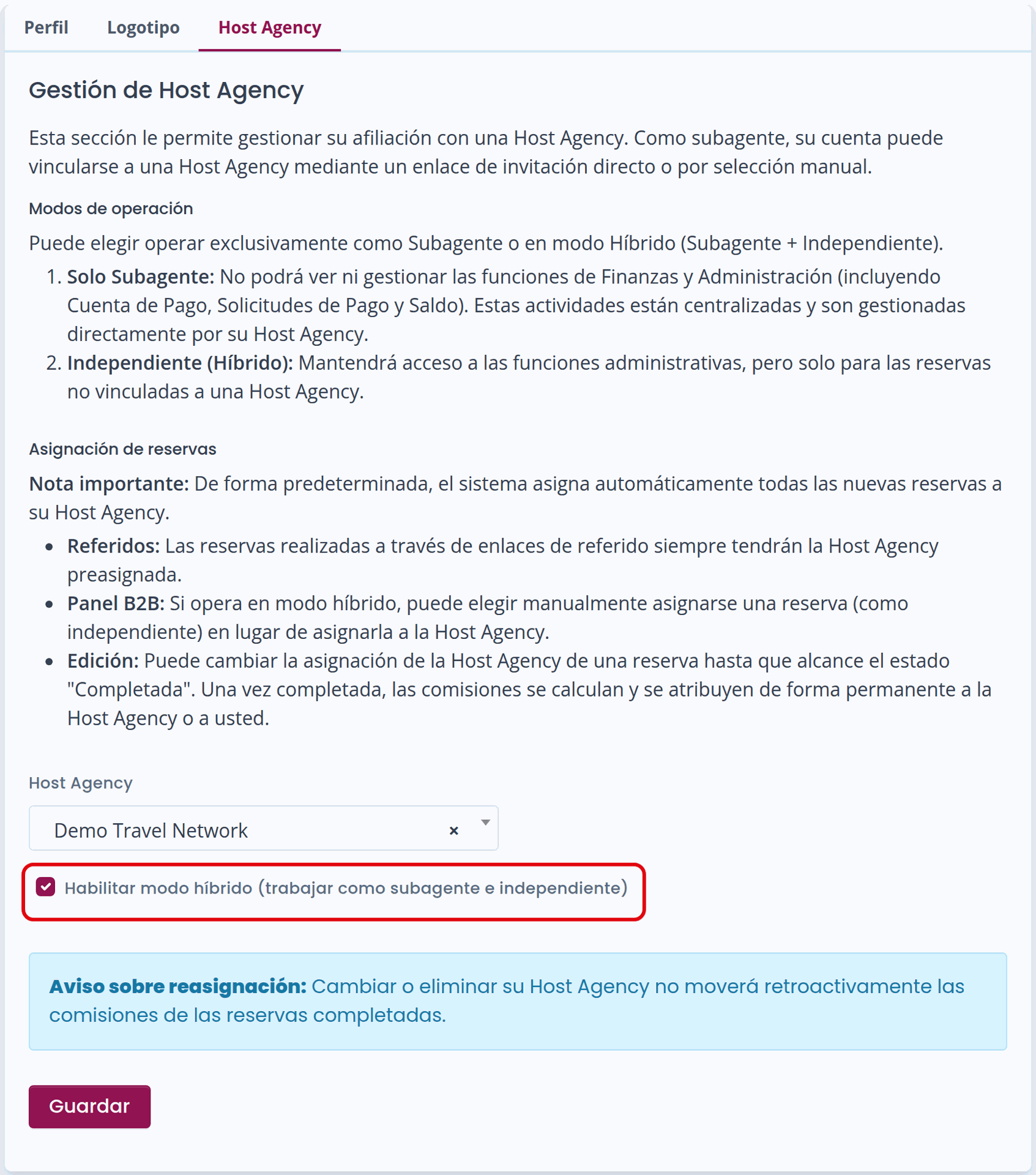
Go to the Host Agency configuration screen
-
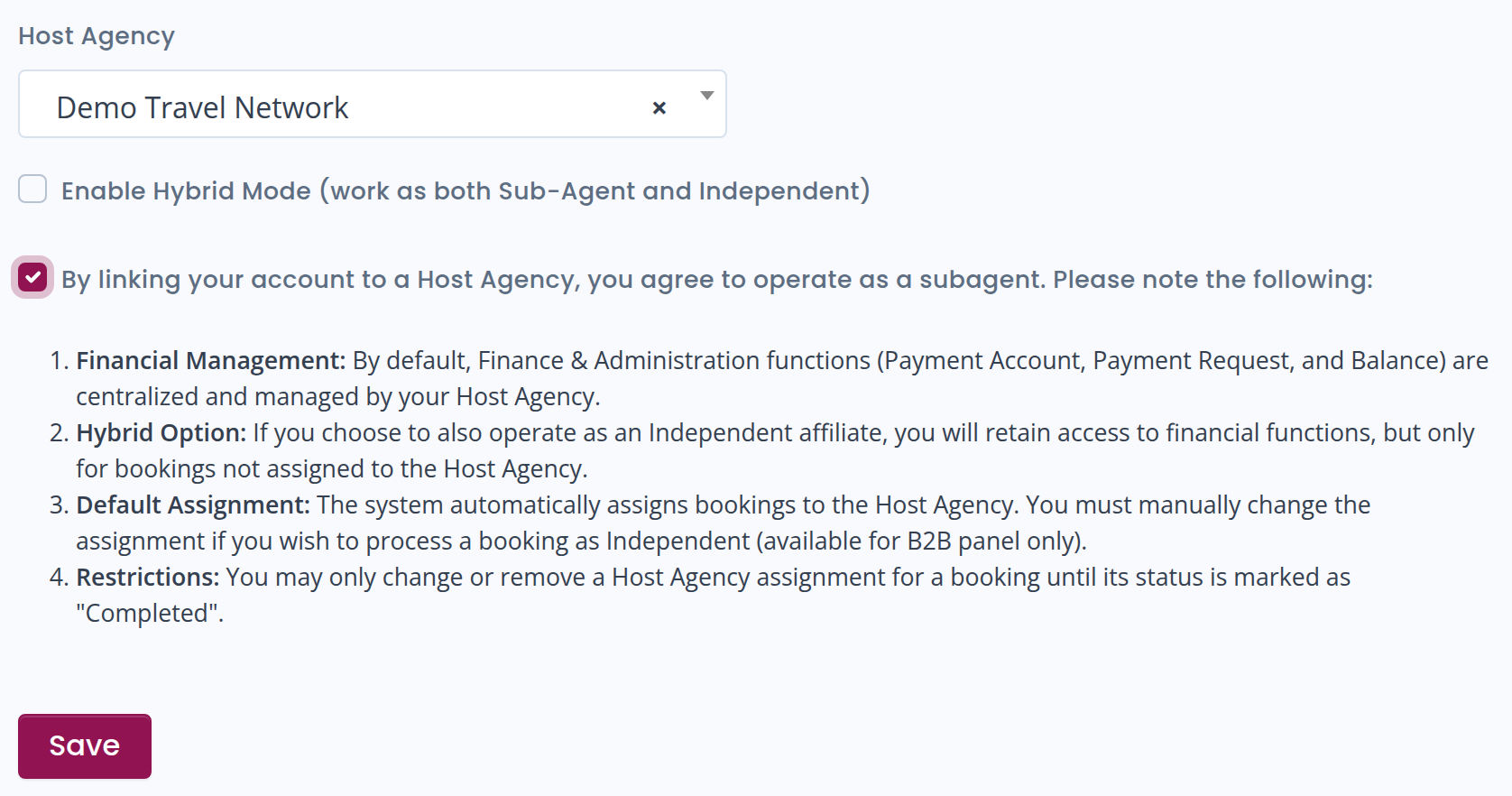
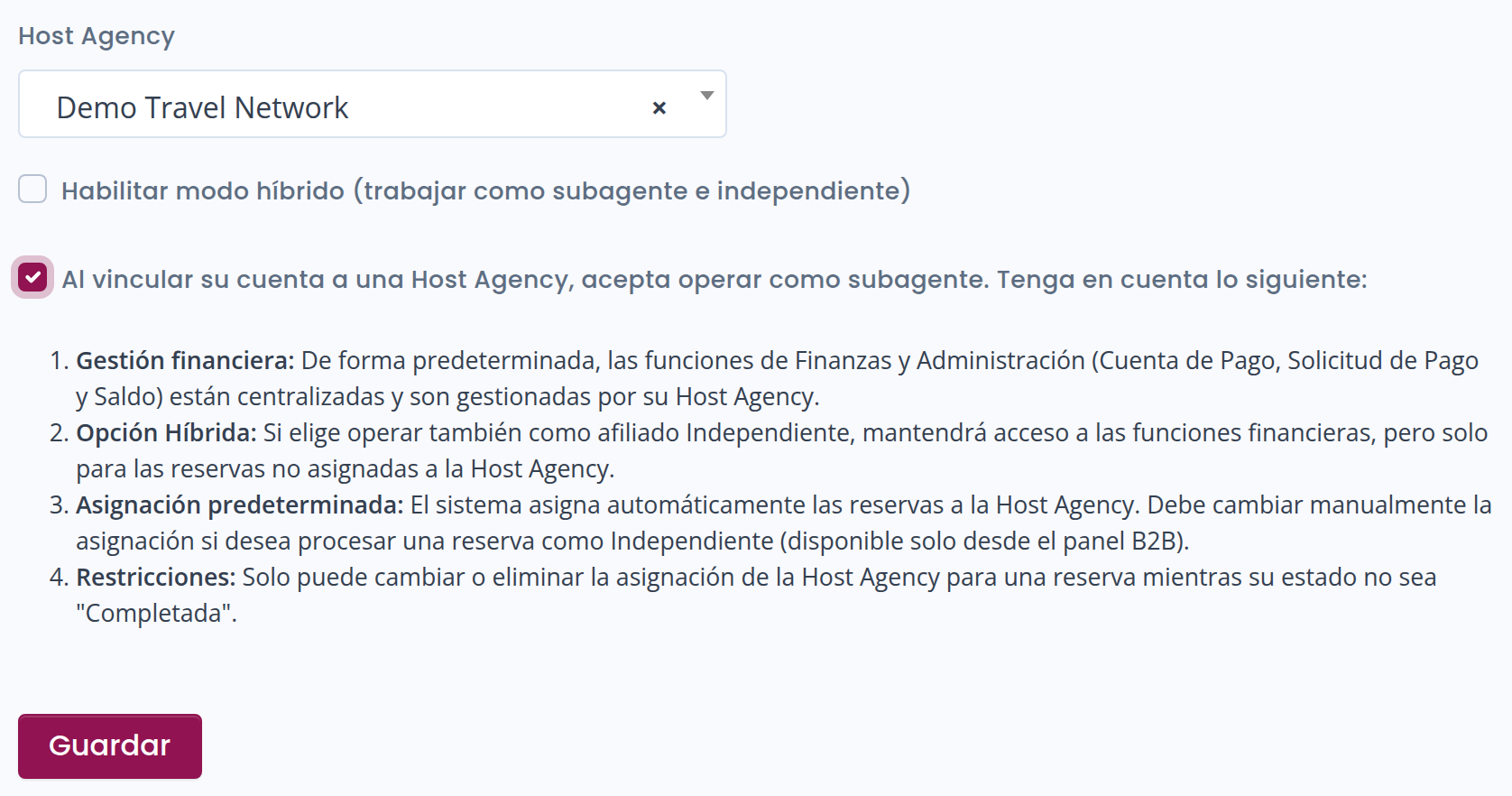
Enable the flag: “Enable Hybrid Mode (work as both Sub-Agent and Independent)”
What Changes in Hybrid Mode?
-
For each booking, you can choose whether to assign it to the Host Agency or to yourself.
-
You can modify the assignment until the booking is completed.
-
Once the booking is completed, commissions are permanently credited to the selected wallet.
In your Balance, you will only see bookings assigned to you.
The others will be paid directly to the Host Agency.
How to Change the Assignment of a Booking
Bookings generated through a referral link (users who book on Winedering via a link published by you) are automatically assigned to the Host Agency.
If you are in Hybrid mode, you can change the assignment:
-
Access the B2B panel
-
Go to the list of Referral or B2B bookings
-
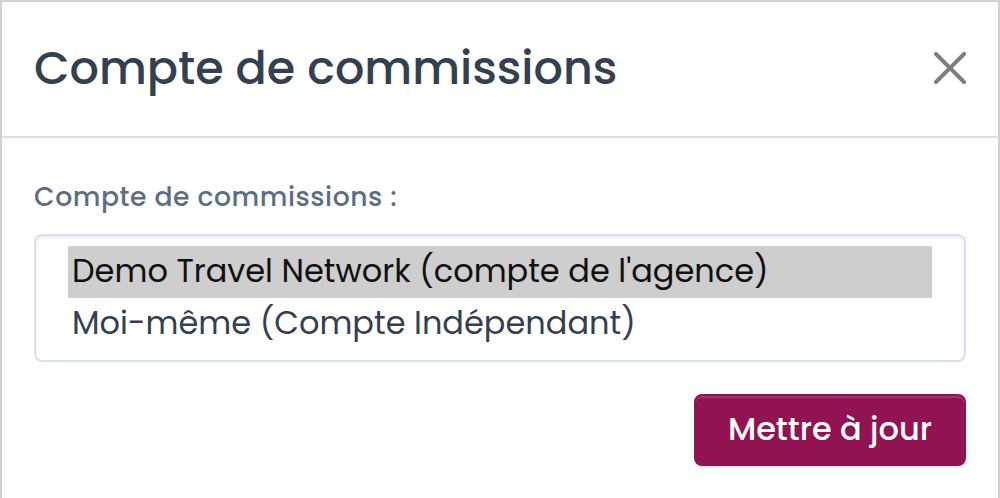
Click the “Reassign” button next to the booking
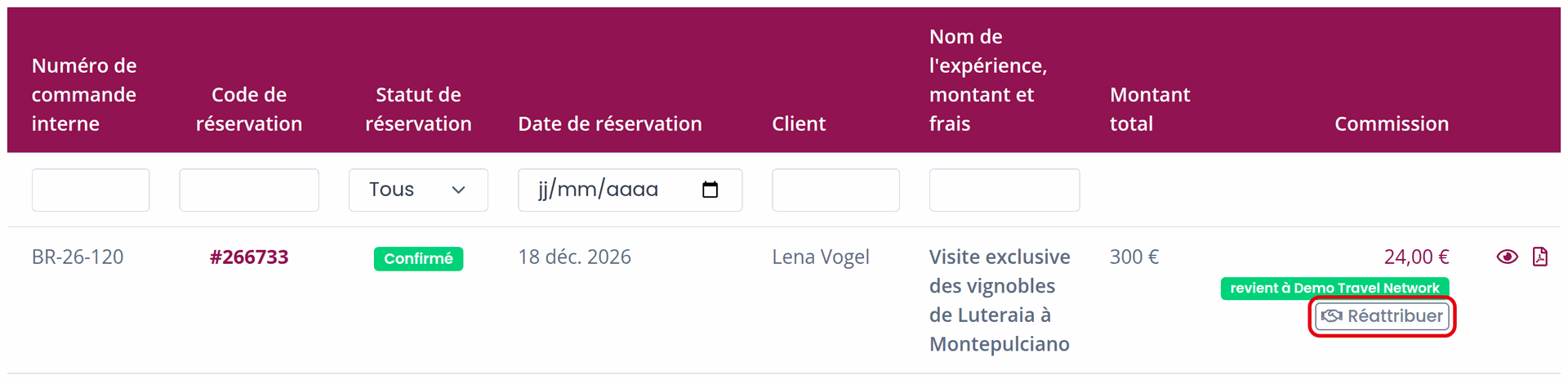

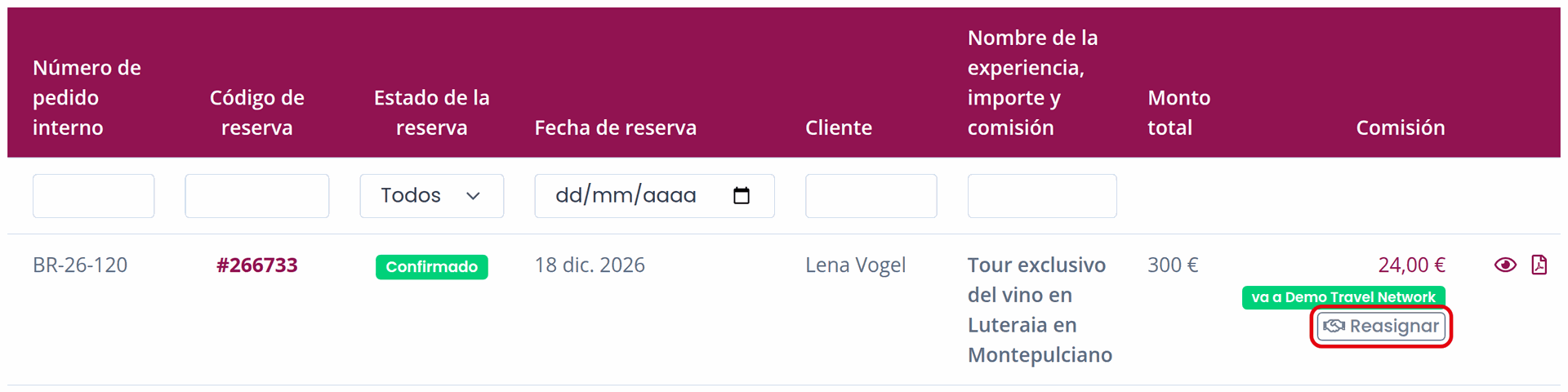
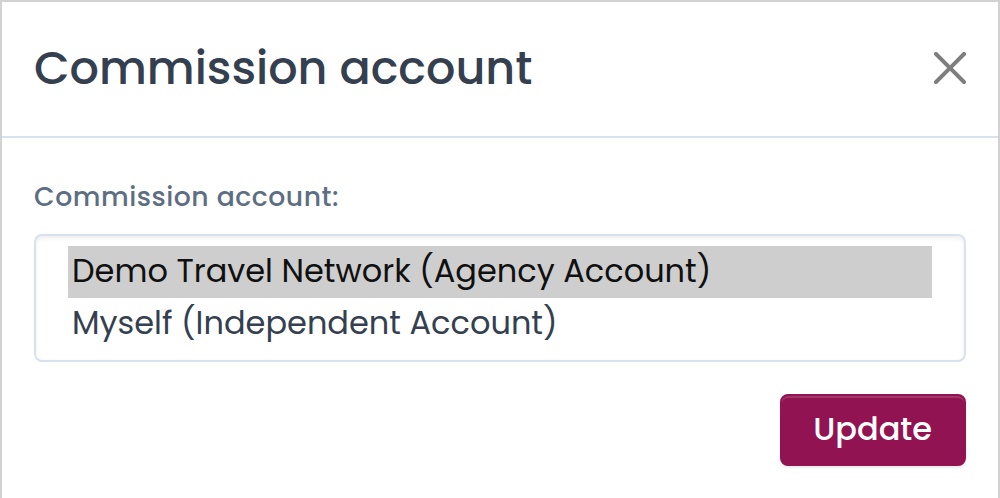
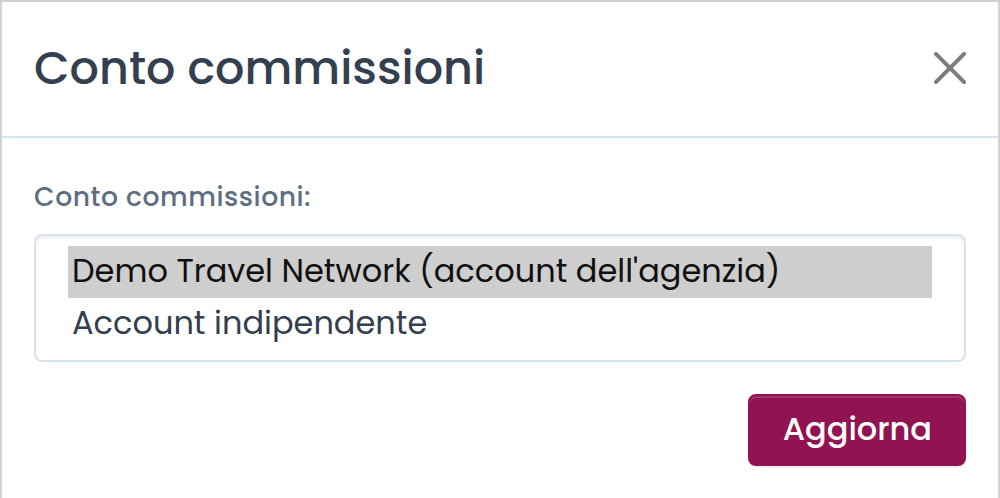
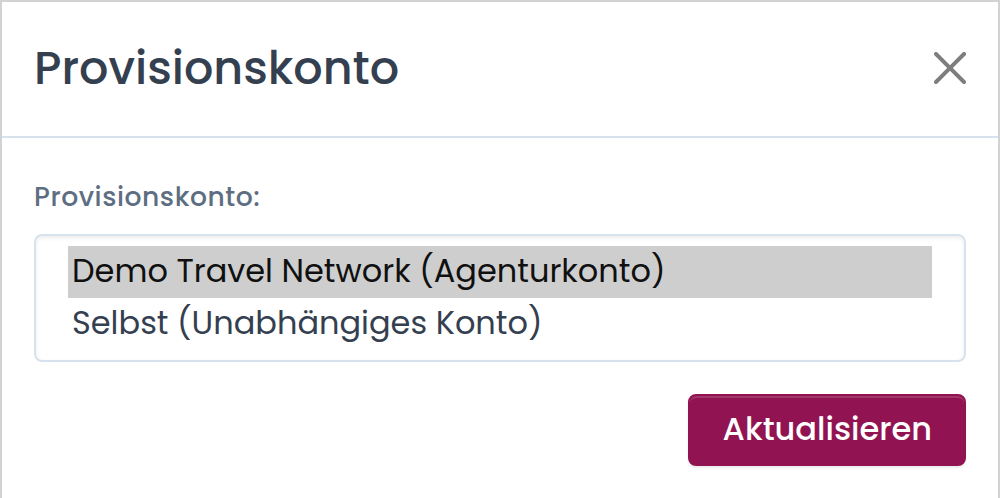
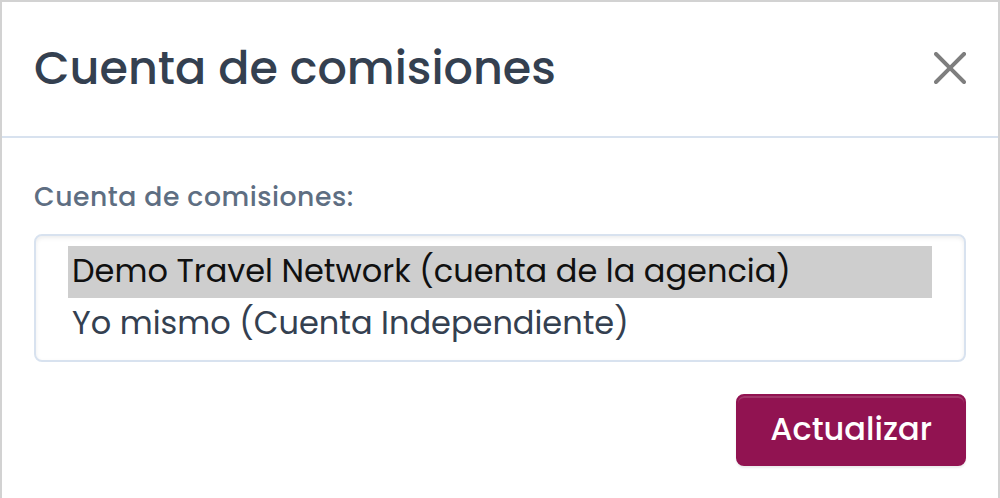
A pop-up window will open, where you can:
-
Assign the booking to yourself (if you are in hybrid mode)
-
Leave it assigned to the Host Agency
How to Change Your Host Agency
You can change the Host Agency you collaborate with at any time.
To do so, follow these steps:
-
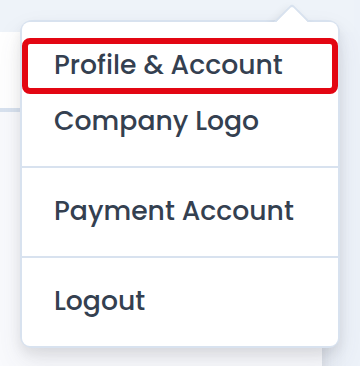
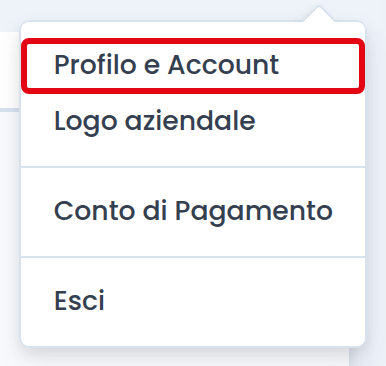
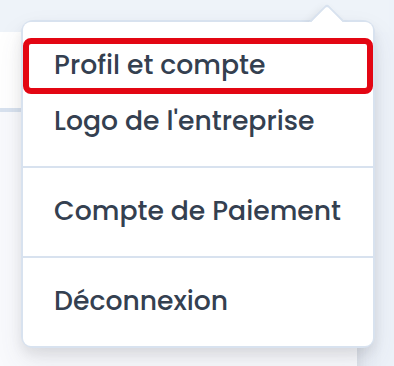
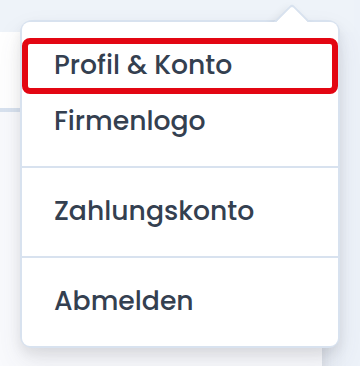
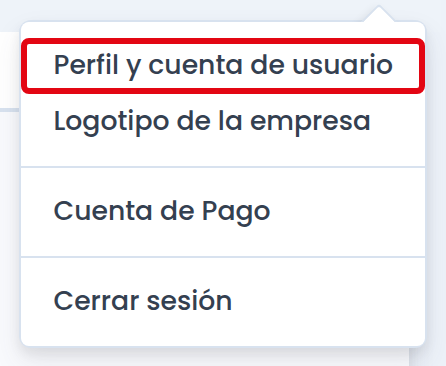
Go to Profile & Account
-
Open the Host Agency tab





-
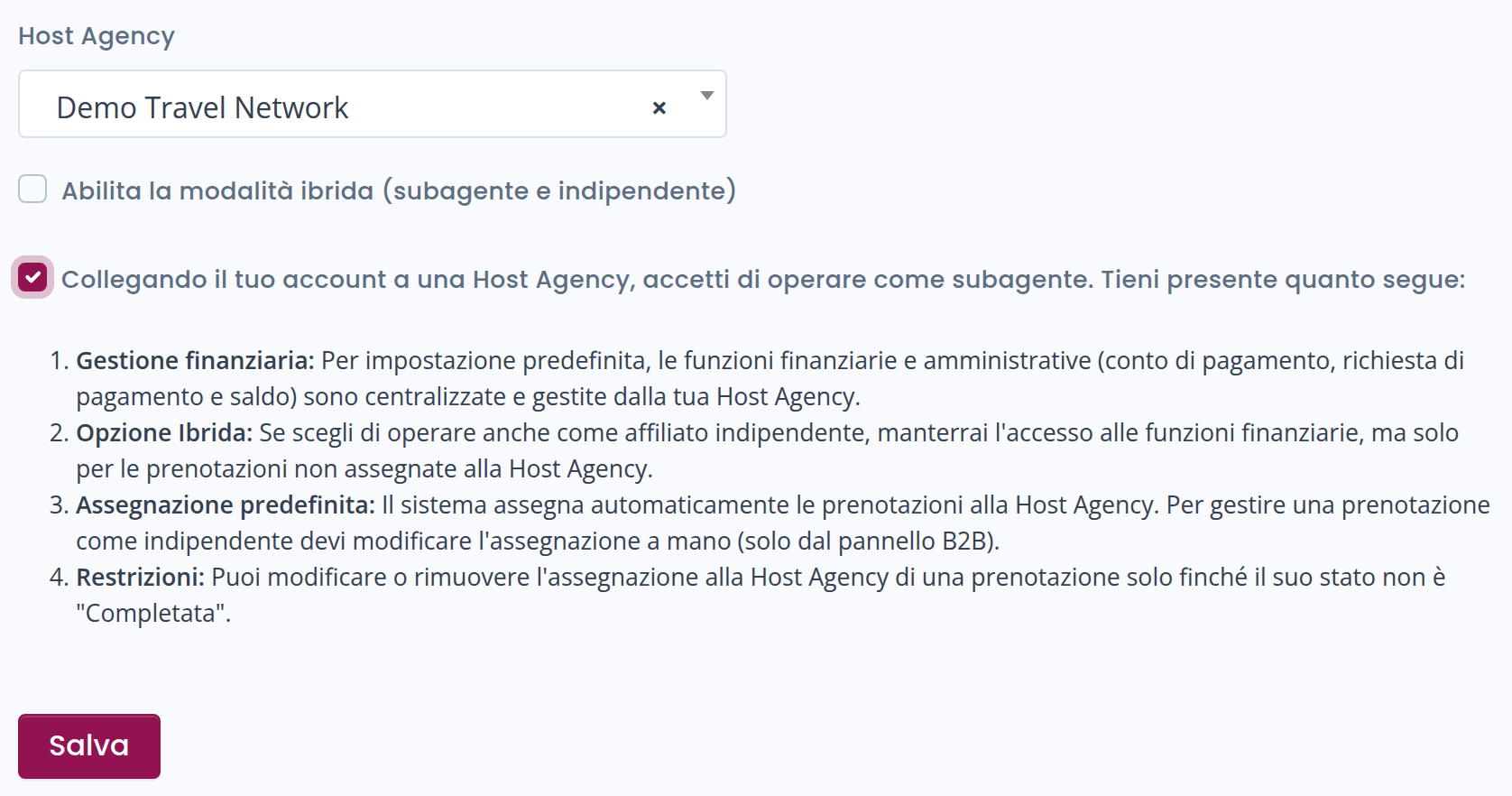
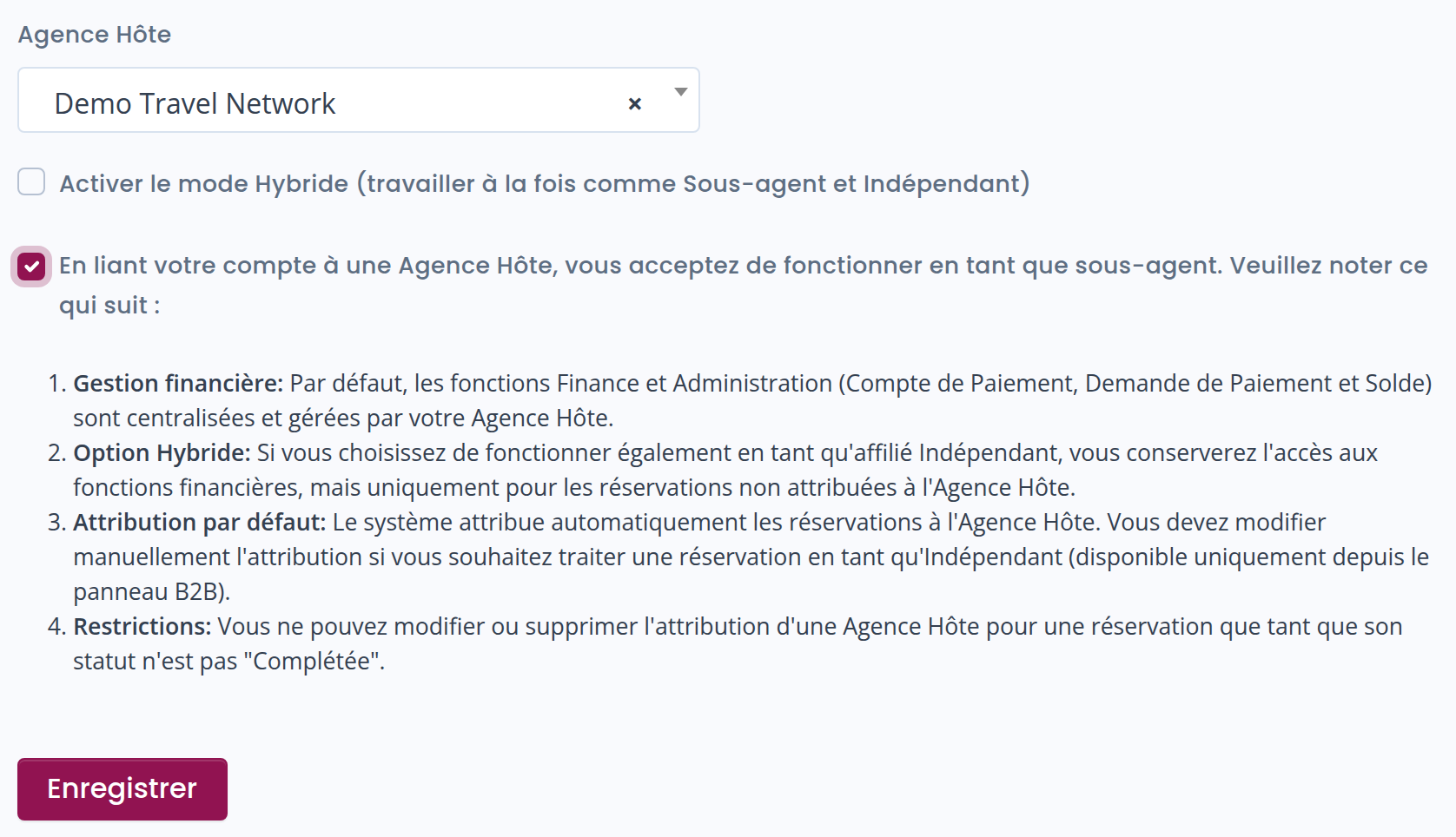
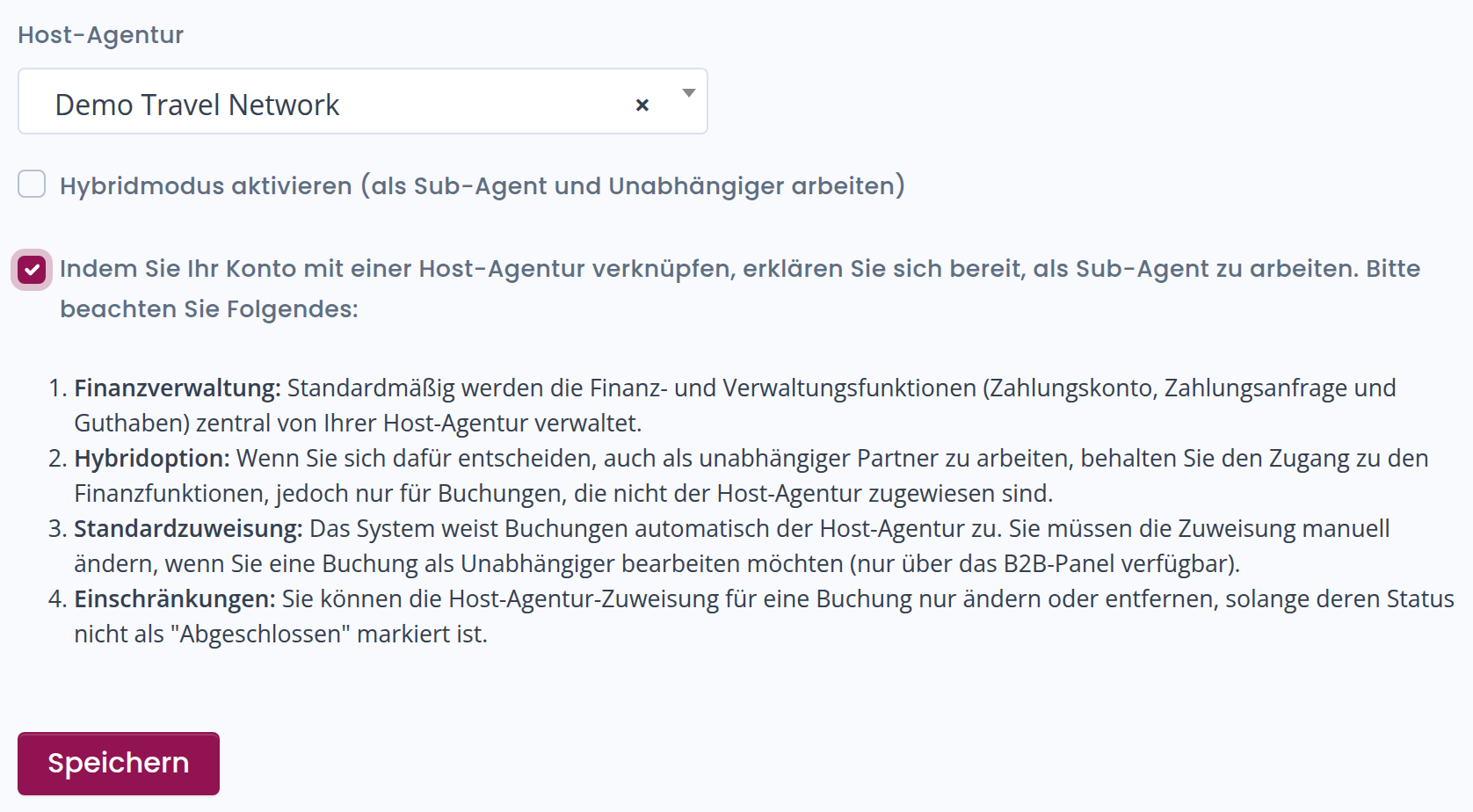
Select the new Host Agency you wish to affiliate with
-
Accept the required terms
-
Click Save to confirm the change
What Happens to Existing Bookings?
Bookings already associated with the previous Host Agency are not automatically transferred, even if the related commissions have not yet been paid.
After updating your Host Agency, any bookings that are still pending completion and assigned to a different Host Agency will be flagged, so you can review them and decide whether to take action.
If you wish to modify the assignment of one or more bookings, you will need to proceed manually by following the instructions in the section “How to Change the Assignment of a Booking.”