How to improve my visibility on Winedering.com?
To improve your visibility on Winedering.com is pretty "easy". Let's start from what Winedering already tells you for free: how each of your experiences is performing right now, and what you can do to improve it.
Every experience on Winedering has a built-in self-assessment tool that shows its real ranking across all the destinations where it appears, and gives you concrete, personalised suggestions to climb those rankings.
Why it Matters?
Your position in the search results on Winedering directly drives the number of bookings you receive. An experience ranked in the top 3 for its destinations is seen — and booked — many times more than one in positions 20, 50 or 100.
The good news: ranking is not random. It depends on factors you can control — content quality, availability, reviews, auto-confirmation, and commission level — and you can see, in real time, how each change affects your visibility.
Step 1 — Open your experiences list
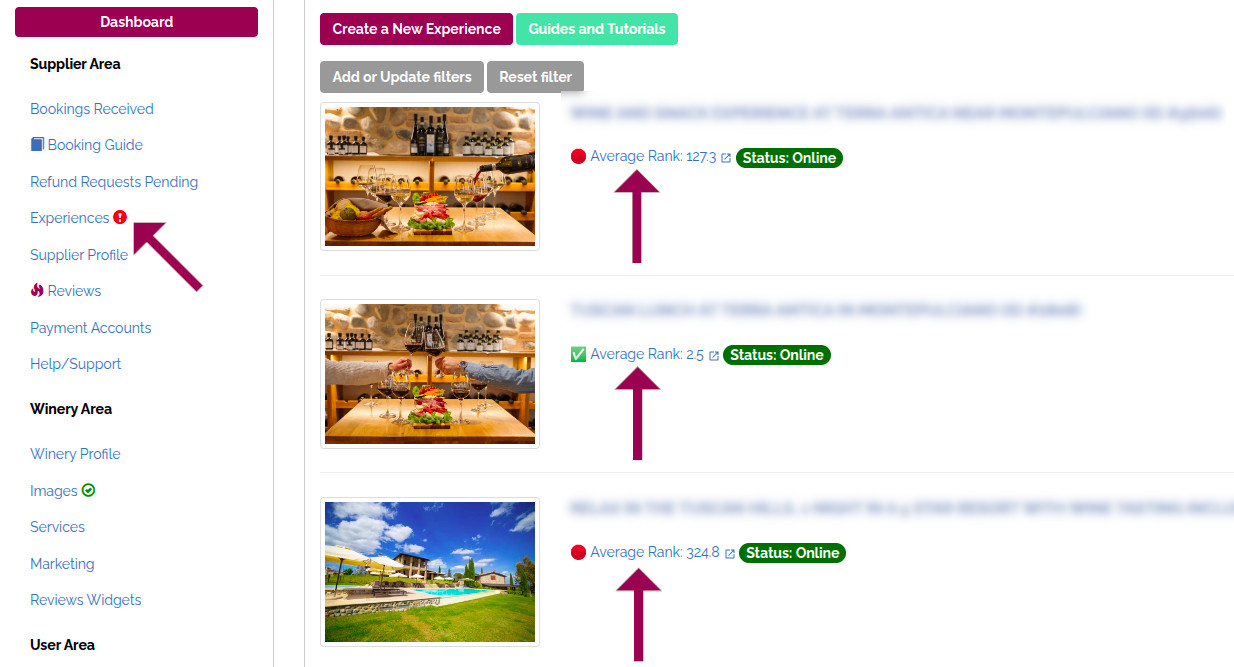
From the left-hand menu of your Supplier Area, click Experiences. You will see all the experiences you manage. Next to each one, a coloured indicator shows its current average rank:
-
🏆 / ✅ rank ≤ 3 → top visibility, your experience is in the spotlight
-
⚠️ rank 4–6 → still visible, but there is room to grow
-
🔴 rank > 6 → low visibility, action recommended
If the rank is poor, you will also see a red "Improve your rankings now!" button right next to it — one click is all you need.
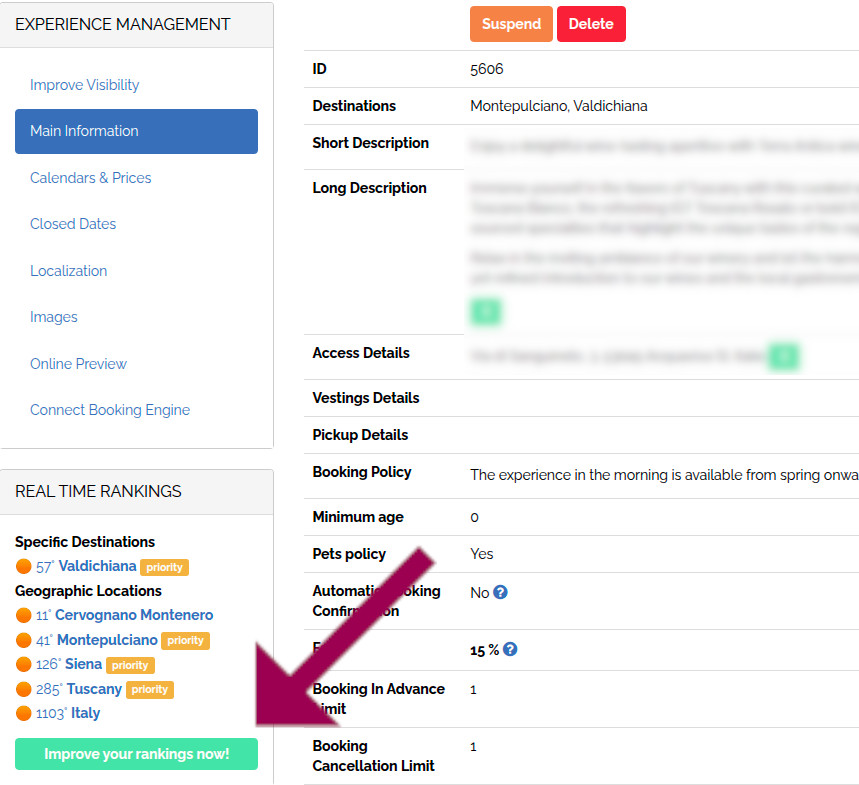
You can also open the improvement page from inside each experience, by clicking Improve Visibility in the left sidebar of the experience editor. The same sidebar also shows the Real Time Rankings block, with the exact position of your experience in every destination and geographic area it belongs to.
Reading the improvement page
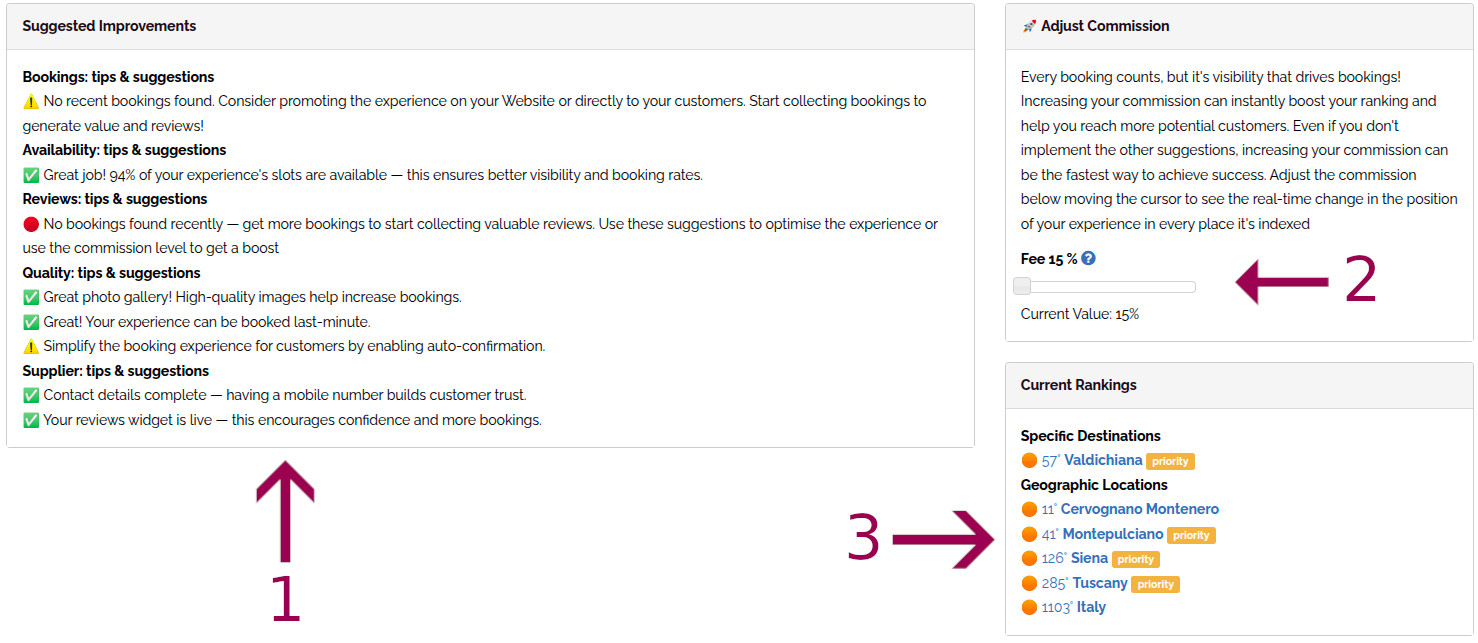
The page is organised in three areas:
-
Suggested Improvements — a checklist of tips & warnings grouped by theme (Bookings, Availability, Reviews, Quality, Supplier). Green items are already good; ⚠️ and 🔴 items are the ones you should fix first. Each suggestion is tailored to your experience: missing photos, expired calendars, incomplete contact details, no recent bookings, auto-confirmation off, and so on.
-
Adjust Commission — a slider that lets you simulate a different commission level. Every booking counts, but visibility drives bookings: raising your commission is often the fastest way to jump up several positions in every destination. Move the slider and watch what happens in area 3.
-
Current Rankings — the live list of every destination and geographic area where your experience is indexed, with its exact position. As you move the commission slider, these positions update in real time, so you can see exactly how much visibility each commission level buys you before committing to any change.
How to use it in practice
-
Open the improvement page for your most important experience.
-
Fix every ⚠️ and 🔴 suggestion in area 1 — they cost nothing and have a compound effect.
-
Play with the commission slider in area 2 and watch area 3.
-
Pick the commission level that gives you the best balance between margin and visibility, then save.
-
Repeat for your other experiences, starting from the ones with the worst average rank.
Tip. Revisit the self-assessment tool once a month. Rankings shift as competitors add content, new experiences go online, and seasons change. A quick monthly check is the single highest-ROI marketing activity you can do on Winedering.
How to get More Direct Bookings
Base principle: to have more bookings you must be more visible, but to be more visible you must collect more bookings, cause bookings collected are one of the most important ranking factors. How to solve this dilemma?
To push your experiences higher, we recommend to work on experience's quality (see the previous paragraph) and to increase direct bookings.
What this means? Put a button on your Website that links to a specific experience or to your winery page (if you manage a winery).
Your users will book directly from Winedering, which, for you, translates into 3 huge benefits:
-
You increase bookings and, as a consequence, your visibility.
-
You increase the chance of receiving reviews which, as written above, increasing your visibility and the likelihood of receiving new bookings
-
You can manage bookings more easily through your control panel on winedering.com and receive only prepaid bookings, zeroing out the "No Show" issue!
To refer visitors from your website to Winedering.com, simply place a button or a link to your winery page or one of your experiences on your "Home Page or your "Wine Tourism" page...
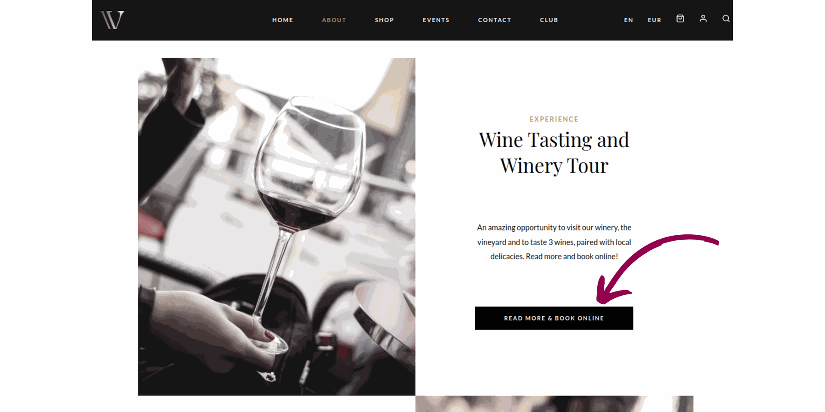
You should also add the button wherever in your website your users could be interested to click and rapidly book a visit online, like the contact page
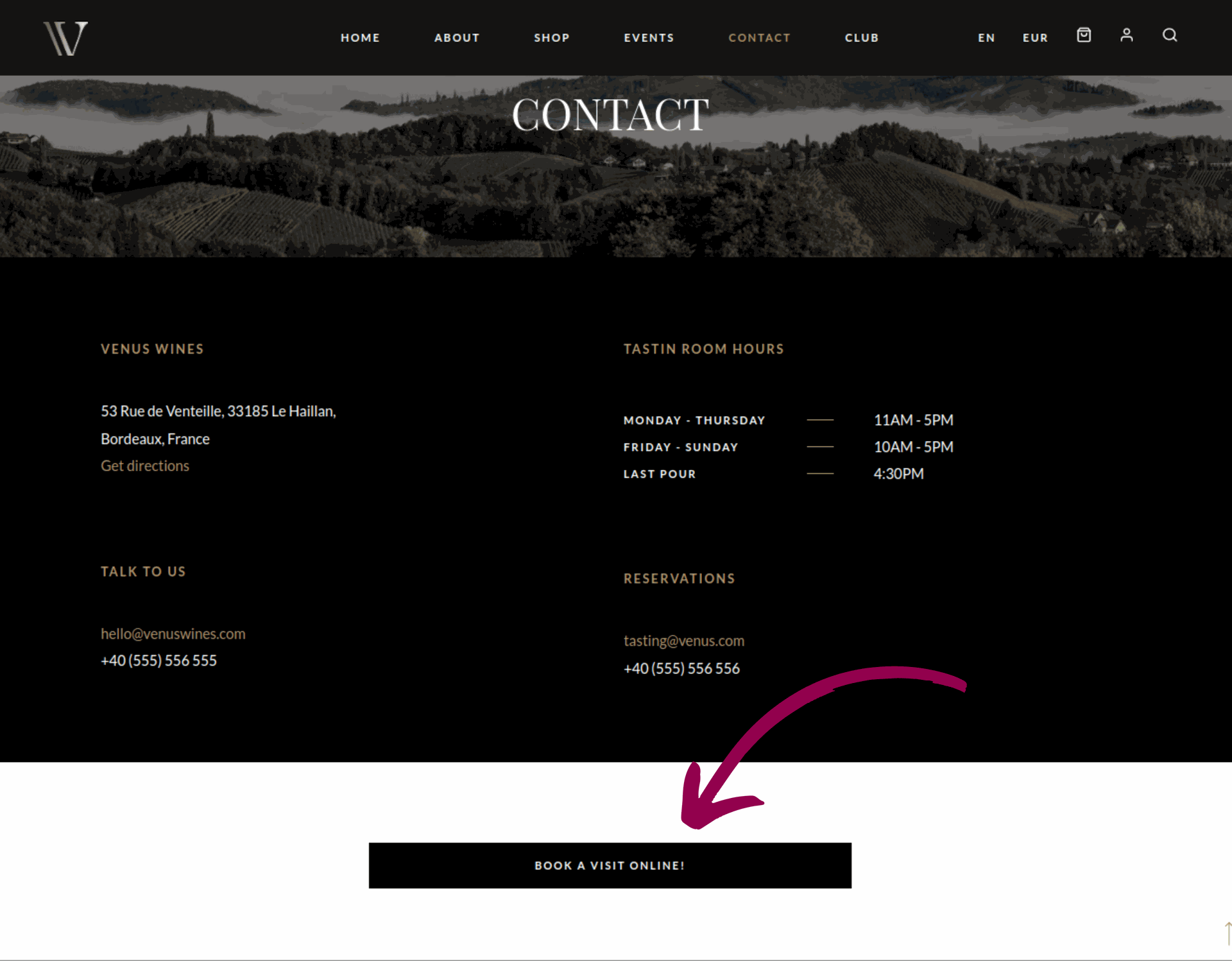
It will be enough to copy and paste the url of your experience/page on winedering.com. Don't forget to copy/paste different version of the url in function of the language of your website, so, for example, copy/paste the your winedering.com experience's page in italian and in english if your website has italian and english version.
To increase your visibility you can enhance your direct bookings by incorporating our 'Reviews Widget' on your website and (or) our badge "Approved By Winedering". Take a look to the details here below.
Embed the "Reviews Widget"
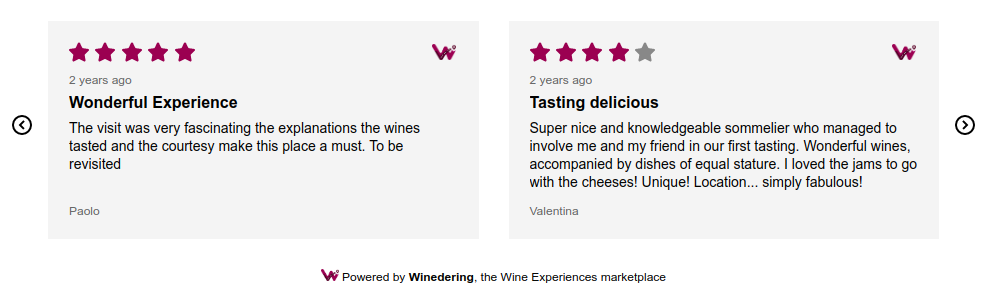
Enhance your direct bookings by incorporating our 'Reviews Widget' on your website.
Winedering allows you to seamlessly display the reviews it collects for you on your site. This not only significantly boosts your credibility with visitors but also provides a convenient link to your personal page on Winedering if they click on the reviews to learn more.
Within seconds, they'll have access to your online bookable experiences! Here is how to embed the widget.
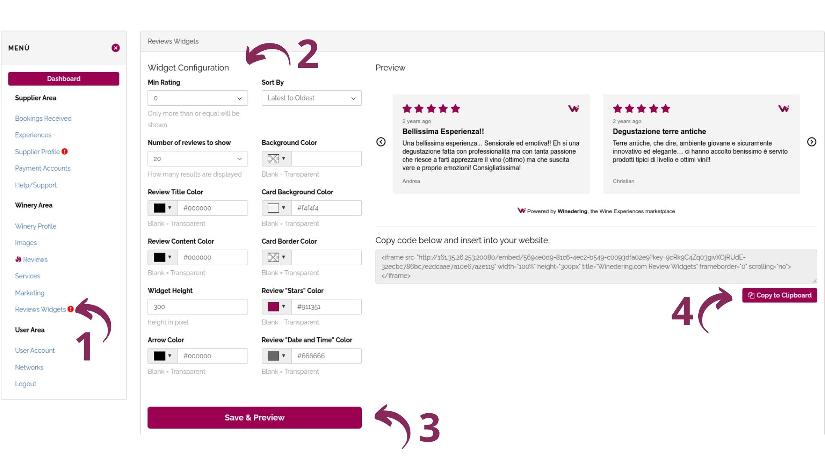
Click this link or log in to your control panel and click the "Reviews Widgets" link (Step 1). If you have at least one review rated higher than 3 out of 5, the widget configurator should become visible.
Utilize the fields in the configuration panel to adjust the look and feel of your widget, customizing it to seamlessly integrate with your website (Step 2).
Click the "Save and Preview" button to observe a preview of how the widget will appear (Step 3). Make further adjustments through the configuration fields if necessary.
Once the widget is ready, click the "Copy to Clipboard" button (Step 4) and then paste the copied string onto your website.
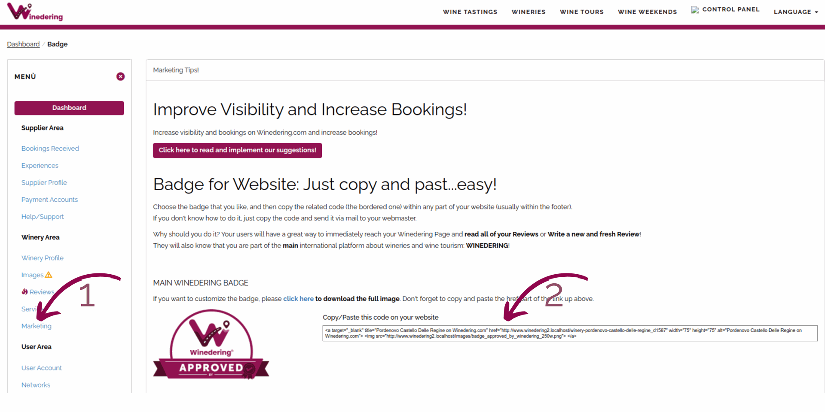
Embed the Badge 'Approved By Winedering"
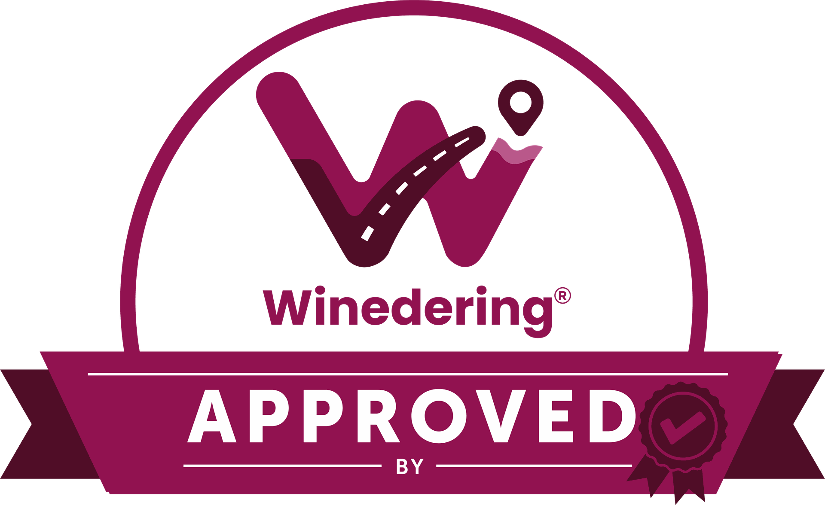
Embedding our badge on your Website reinforces the credibility of your brand and increases trust in the eyes of the user.
To embed our badge on your website, simply login into your control panel, and go to the "Marketing" page clicking the link on the left menù. At this point, just copy/paste the code on your website.
Take care of your Photos!
Images, along with reviews, are the most important tool for being able to strike a chord with a user, especially for anyone who wants to sell wine tourism experiences online.
When posting an image, always put yourself from the user's point of view: what would they like to see? What would strike them? If you are trying to sell a wine tasting, you need to make at least all the following elements involved:
-
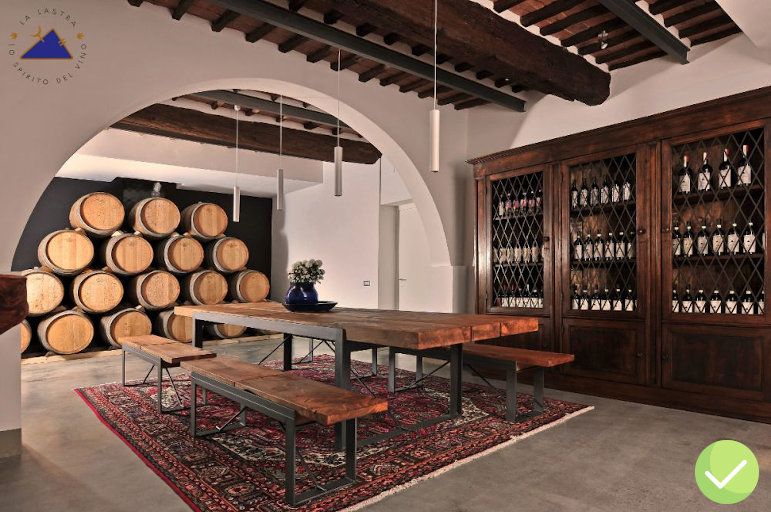
Environment: the Wine Traveler, often, finds in the wine tasting a moment of relaxation, of peace, of absolute tranquility.
Show her what you are able to offer: the outside environment of your winery, perhaps at sunset or in equally "emotional" circumstances, images from above the place where tastings are usually held or, if inside, photos with soft and elegant lighting. -
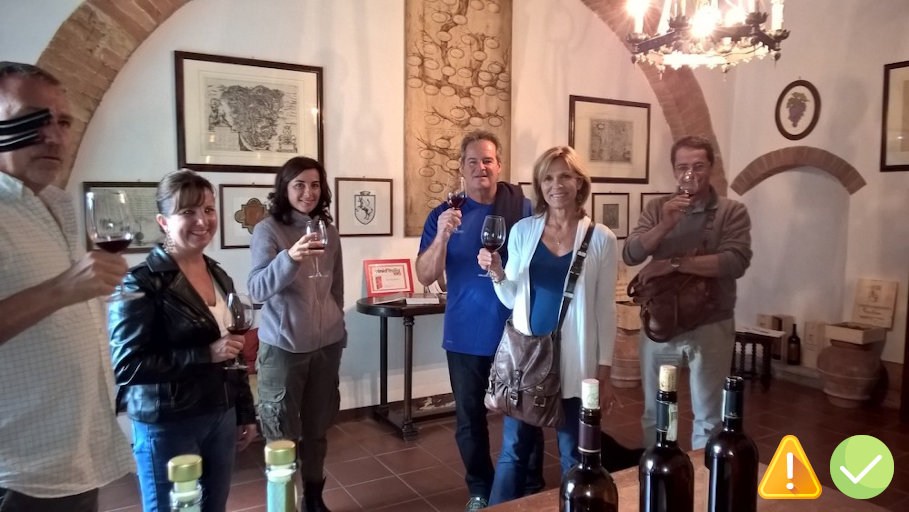
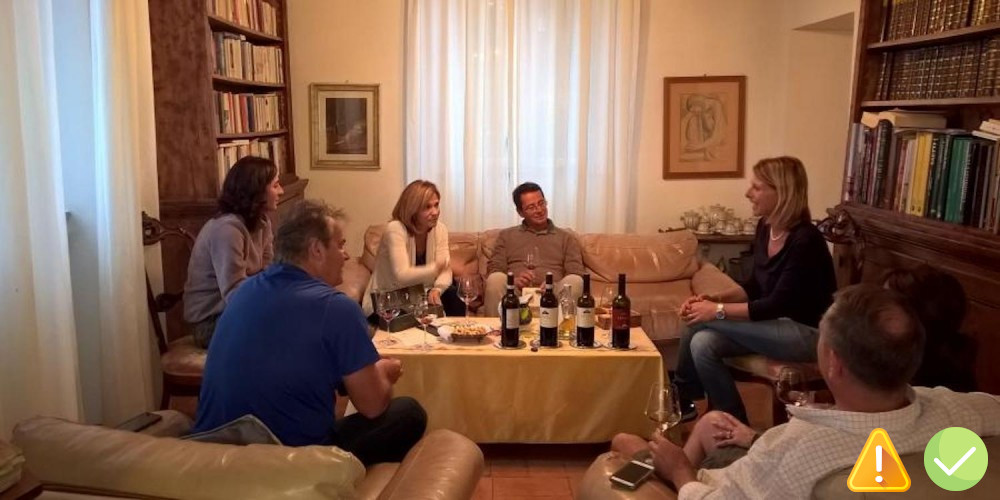
People: If your customers consent, photograph them during a tasting, tour or event. There is no better way to humanize a wine experience: the online user, in addition to feeling reassured ("others have already done it, I can trust... "), immediately understands that other real customers have already relied on you and that, in doing so, they really enjoyed it!
-
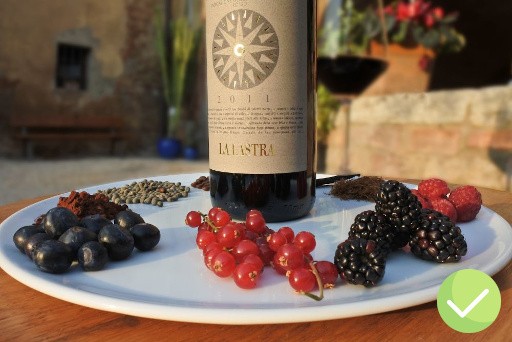
Wine: one or more photos of a glass with your wine inside, accompanied by an adhoc outline, such as an elegantly laid table, any related food products, other objects or classy details...
-
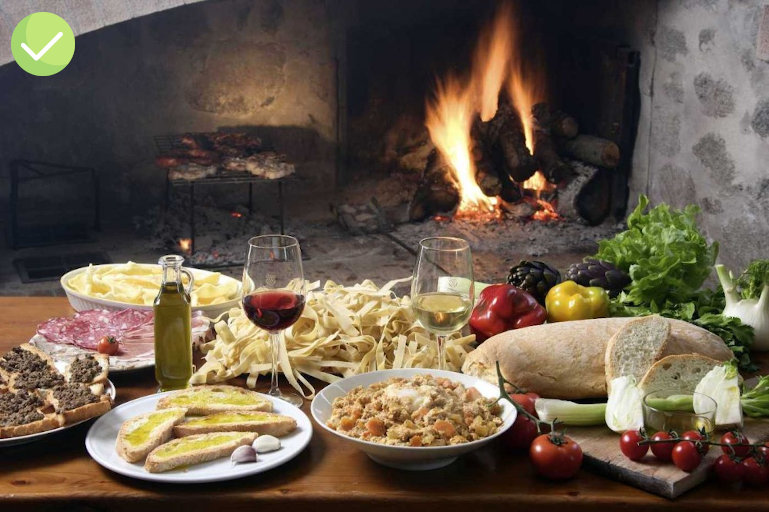
Food: highlight it! If you offer great and vary food, don't underestimate the huge value it adds to the wine experience.
Below we provide a list of suggestions that we believe are very important:
-
Do not use blurred photos or photos taken with outdated smartphones
-
Do not use photos in poor lighting conditions without proper equipment
-
Always rely on professionals. It is not necessary to take 1000 photos per month. A good photo book, taken maybe once a year or more, is a safe investment and often reusable: on Winedering, on your website, in brochures, in shop windows, in advertising
-
If you have adequate equipment, talent and passion for photography, then you can even bypass a professional. However, it's important to respect the constraints exposed by Winedering and, above all, to take photos of great quality and formal value.
If it wasn't clear yet, we'll repeat it again: images are crucial for your online success, never forget that.
-
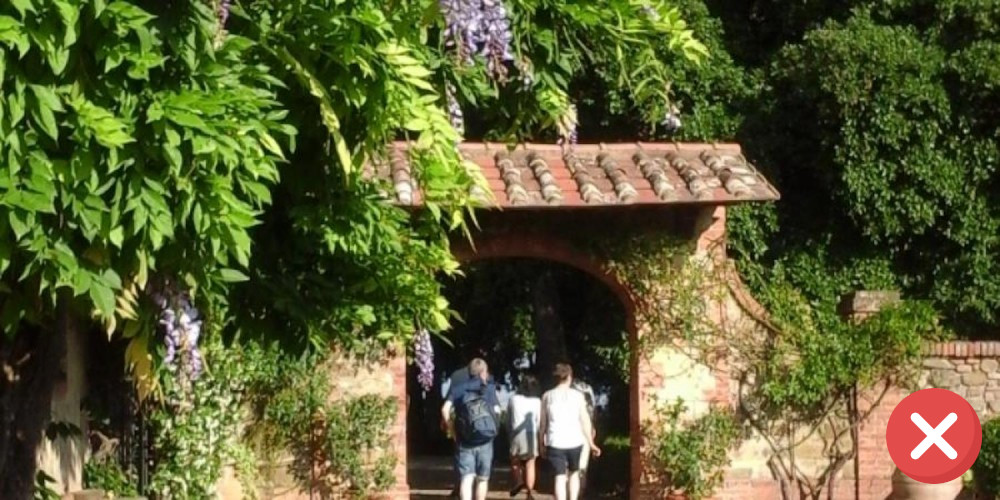
Avoid banal photos. We often find ourselves seeing photos of bunches of grapes, vine leaves or generic vines decontextualized. Never post these photos! A bunch of grapes is present in your vineyard as it is in thousands of others around the world. Your tasting room, or the hills around your winery, will certainly be unique, that's exactly what you should be showing: the elements that make your winery unique!
These suggestions are coupled, on Winedering, with some guidelines that you will have to follow.
On Winedering, in fact, in addition to the prescriptions imposed during the insertion of your experiences, photos of poor quality, both technical and formal, are excluded.
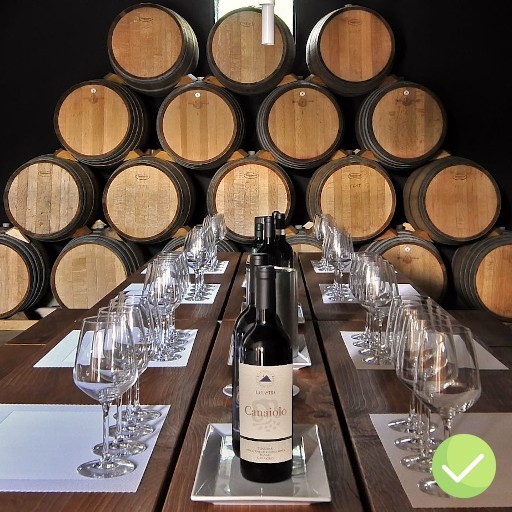
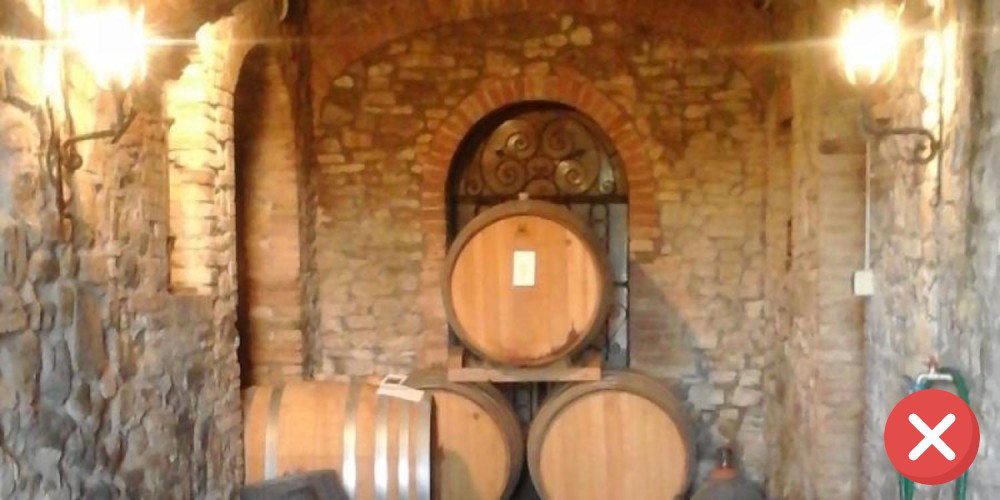
If you provide 10 very high resolution images, but taken with a passive and decontextualized subject, such as a barrel or a glass of wine without a specific context, this will lead the Winedering team to discard them immediately.
Below are some examples of photos received by our team, with our considerations and the judgment that we have given. Take them as a reference when you decide to take them with your trusted photographer or, once taken, to publish them.